
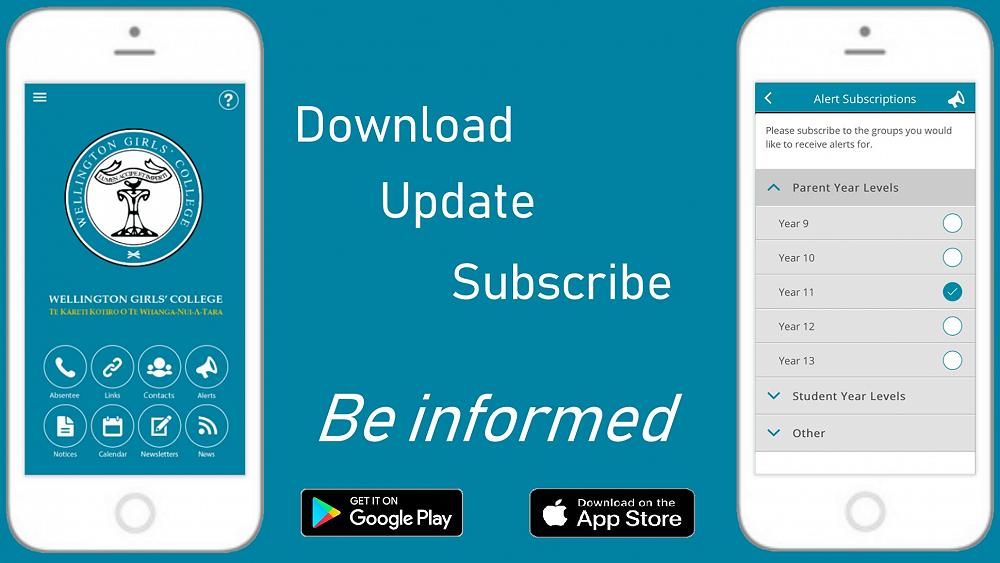
WGC App
All students, parents and teachers should have the WGC App if they have a smartphone.
Once installed, the user is asked to select their school and Alert Groups: students should select their year group under Student Year Level, and parents should select their child(ren)'s year group(s) under Parent Year Level. All users should also check to see if there are any groups listed under Other that they would like to subscribe to. In this way the whole WGC whānau will only receive alerts that are relevant to them.
If you already have the SchoolAppsNZ app for another school, simply open the side menu (top-left) and select + Add School.
The WGC App is a great way to access a whole range of important information: tomorrow's notices, calendar of events, latest news, recent newsletters, Parent Portal, staff list, term dates, Facebook pages...
And it has some really useful features: report student absence at the press of a button, phone or email key staff, and for Year 13 students the ability to sign out and sign in when leaving the school grounds during the day.
Click here to see a full list of features, FAQs and contact information.
Click here to download and install on an iOS or Android device, or simply search for schoolappsnz on your app store.