
The Parent Portal
The Parent Portal provides accesss to student information for parents.
The Parent Portal can now be accessed via SchoolBridge, by clicking on the kiwi icon. No further login is required.

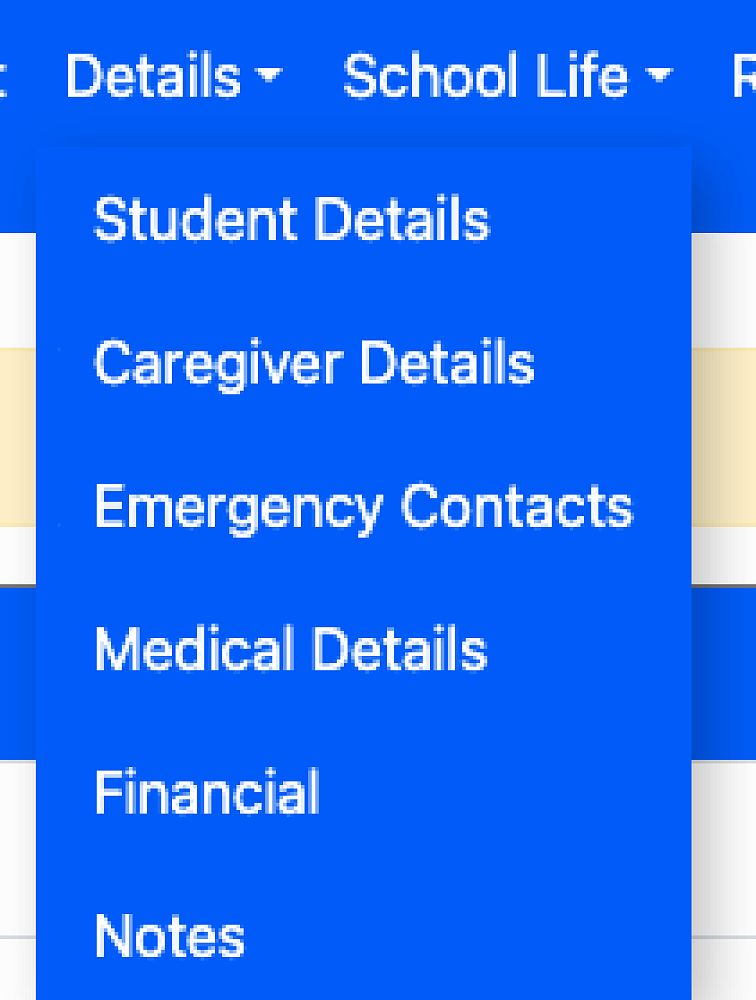
The Details tab shows the information we have on file. Student, Caregiver and Emergency contact details can be edited if required. There is also a Financial tab which shows information regarding your school account.
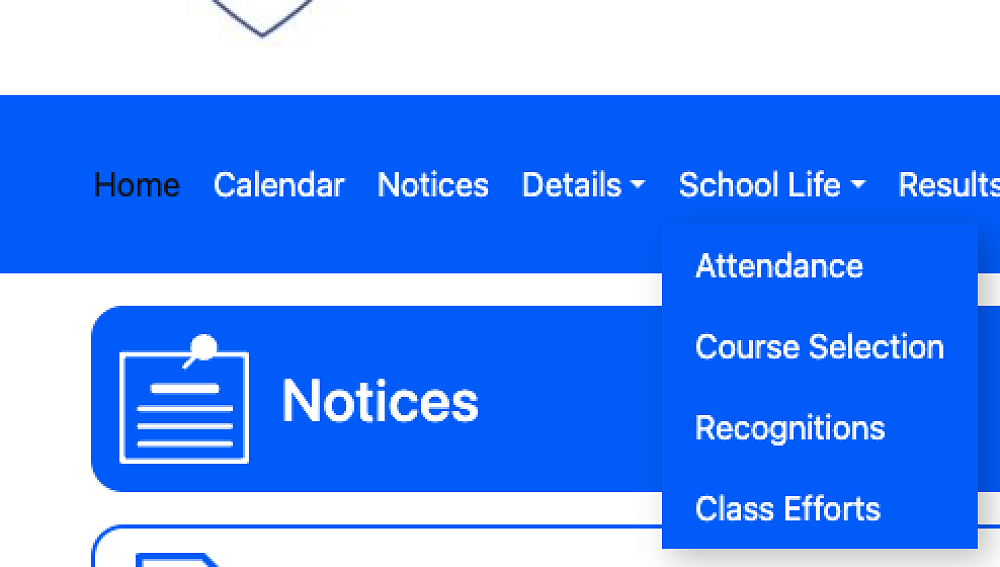
In the School Life drop down menu, you will see Attendance. This shows your young person's timetable and displays an attendance code for each lesson. There is a guide to attendance codes at the bottom of the timetable, so you can see up to date attendance per class.
Also in the School Life tab, Class Efforts shows a graph of Learning Engagement Report grades - a number between 1 and 4. These reports are published approximately every two weeks, and the grades appear here once they have been entered by classroom teachers. Recognitions are also visible in this menu. These are created when students are acknowledged for outstanding effort or behaviour, or conversely alerted to an area in which improvement is required.
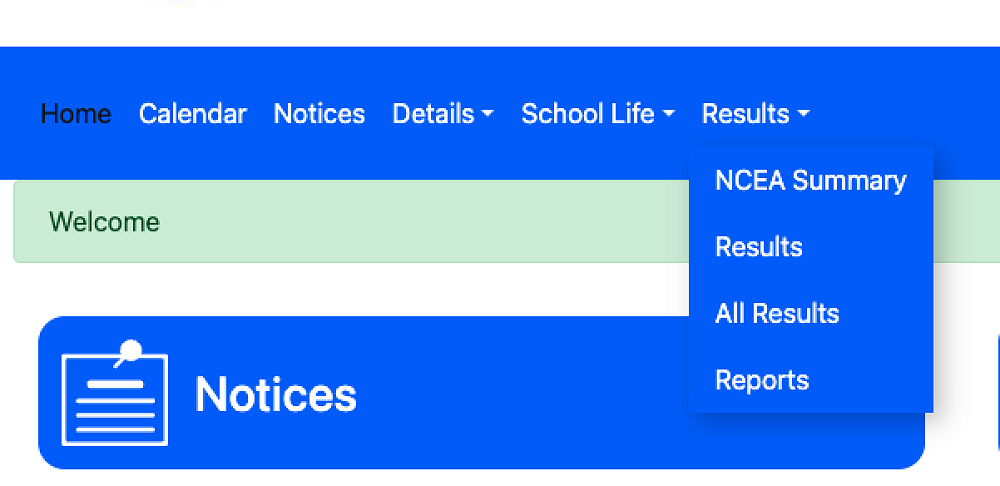
The Results tab in the main menu has a drop down menu to Reports and Results of assessments. PDF versions of all reports appear here once they are published.
Results of assessments are visible in the Results tab once assessments have been marked and moderated and then published.
More information about reporting processes and approximate dates will be provided in Week 5.