Challenge 7: Create a Programme using Code
Computer code is used by every website, app, and even common household items like your microwave. This makes coding an important skill in our digital age.
Simply put, coding is telling a computer what you want it to do by typing in commands for the computer to follow. The trick with coding is that computers are very obedient - they will do exactly as you want them to, as long as you tell them in a way they understand - by using code.
Step 1: Choose your App
There are some great apps around that make coding simpler while still teaching you useful skills. We suggest:
- Hopscotch (free, Apple)
- Lightbot - Programming Puzzles (<$5, Apple/Android)
Or, if you are younger (under 8) or want to start out easy try:
- Daisy the Dinosaur (free, Apple)
- The Foos Coding 5+ (free, Apple/Android)
- ScratchJr (free, Apple/Android)
Step 2: Create your Code
Daisy the Dinosaur
Choose the Challenge Mode first. This will take you through a series of challenges that will teach you the commands you need. Once you have completed these challenges then use the free-play mode to write a programme to get Daisy to grow and jump and do other activities. Check out the tutorial at the bottom of this page to if you need help.
If you found controlling Daisy easy, why don't you try Hopscotch.
The Foos Coding 5+
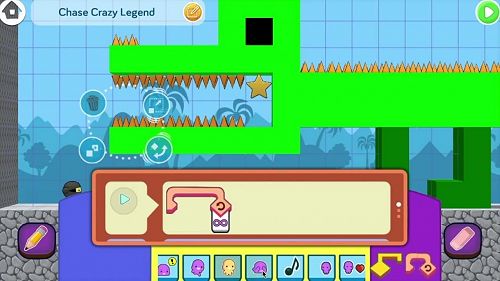
The Foos is actually a game, which helps you learn the logic of programming. You can even create your own games. Try their Hour of code challenge. After you have become familiar with how it works why don't you try to build the Alligator Challenge.
ScratchJr
ScratchJr is an introductory programming language that enables young children (ages 5-7) to create their own interactive stories and games. By snapping together programming blocks you can make your characters move, jump, dance and sing. Check out the ScratchJr Activities Guide to help you get started.
Hopscotch
The most challenging thing about Hopscotch is knowing where to start - the options are endless. Check out this Hopscotch App tutorial if you need help.
You can select a project such as creating a game or making a pattern. Hopscotch then helps you by their in-app tutorial or you can follow along on YouTube.
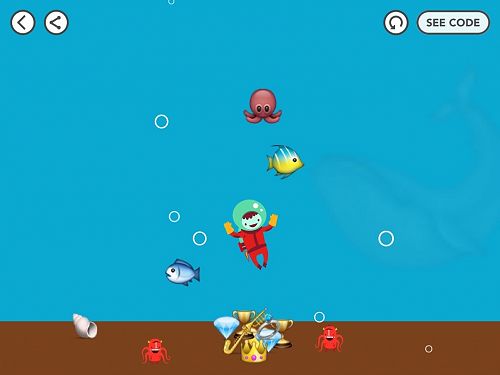
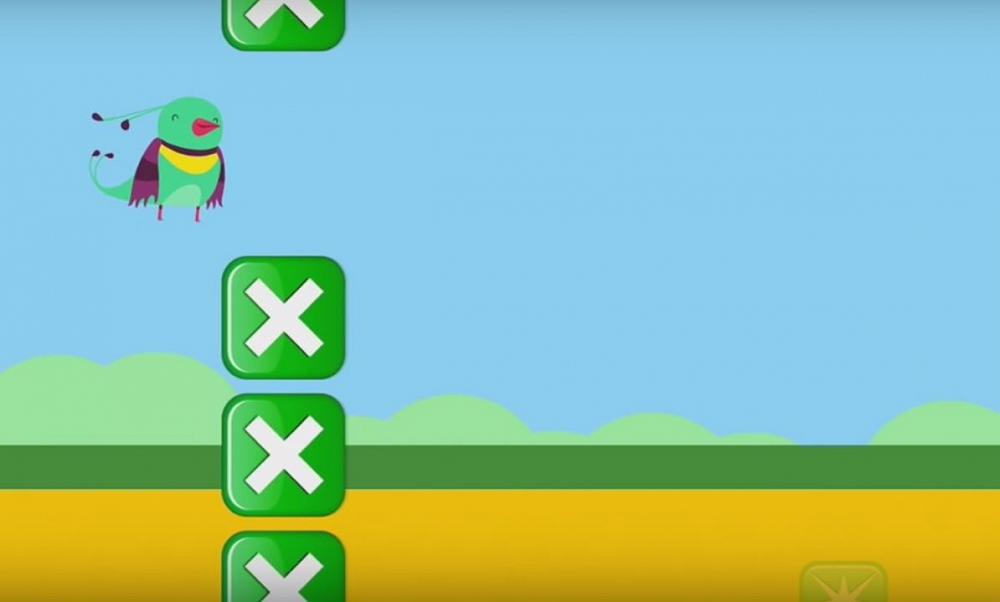
Depending on the project Hopscotch may recommend you try an easier project first. For example, the 'How to Make Flappy Bird' YouTube video recommends you create the game Breakdance or Treasure Dive first (see video tutorial at the bottom of this page).
Lightbot Programming Puzzles
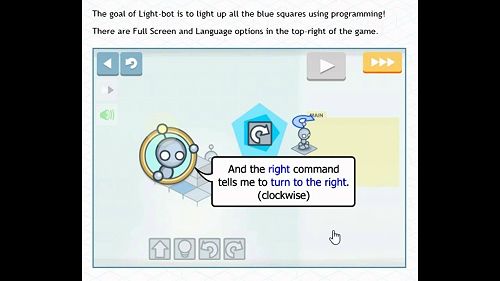
This programming app was developed by an undergraduate student, who has been coding since he was a kid. It lets players gain an understanding of programming by guiding a robot using commands to light up tiles, solving levels. The level of challenge ramps up very quickly, which is why we've recommended it for older kids and teens.
So what are you waiting for? Get coding!
If you enjoy this challenge and think you might enjoy coding and have access to a computer Codecademy provides free online coding classes in 9 different programming languages.