
Challenge 4: Create an Avatar of Yourself
An avatar is a character that represents you.
Avatars are often used in online games. But they are a great way for
kids to represent their likeness or personality online without using a
photo. Even if you don't go online much avatars can be a lot of fun to
create.
Step One: Choose Your Generator
There are some great avatar generators (creators) around, have a look at:
- Avatar Creator (free, Apple)
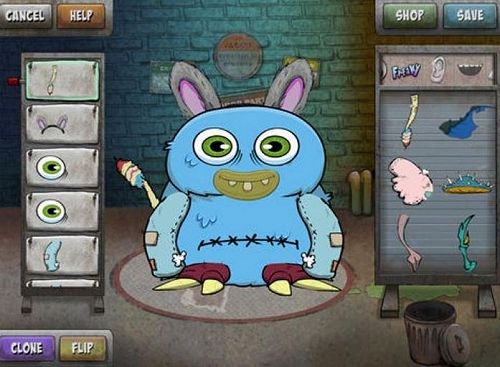
- Freakatars (free, Apple)
- Avatar Maker by SODA (free, Apple/Android)
Step Two: Create Your Avatar
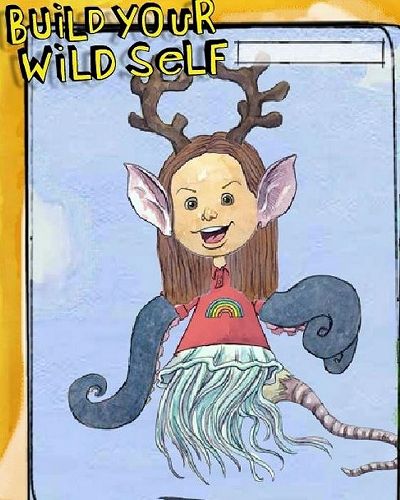
Use the app you selected to create your avatar. But don't stop at one - you can create as many as you want. And because different generators create very different looking avatars (see the examples below), check out other generators too.
If you can borrow someone's computer try Build Your Wild Self (free) or create a lego avatar using Mini-Mizer (free). These are also a lot of fun but unfortunately don't work on iPads or tablets.
Gallery