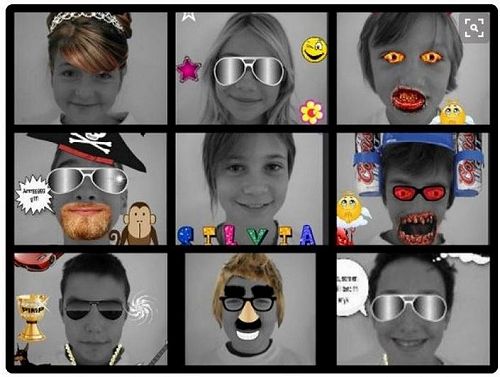

Challenge 1: Create a Photo Collage
Use a digital scrapbooking app to create a photo collage.
A traditional collage is created by cutting photos out and pasting them onto a background and then decorating with words, stickers, borders and other decorations.
Now we can decorate our pictures, or create photo collages using digital apps and do it all online.
Step One: Choose a Theme
To make a great collage your pictures should be related in some way, or tell a story. Your collage may be about your family, your friends, an interest you have or something you are passionate about. Think about whether you already have the photos you will use, or if you will need to take photos or find them on the Internet.
Step Two: Choose your App
There are lots of free apps you can use to create a photo collage. If you are not sure what to use have a look at the 3 examples below:
- Photovisi (free, online tool)
- PiZap (free, Android/ Apple)
- BeFunky (free, Android/ Apple)
PicCollage (free, Android/ Apple)
Step Three: Get Started!
Before you create your amazing photo collage have a play in the app you selected. What can you do? Can you change your photos? What stickers or pictures can you add? What types of backgrounds can you have? What are the best options for the theme you have chosen?
Remember to save your work!
Don't forget to think about the photos you will use. What ones best support your theme? Do you need to take more? What words (or text) will help others make sense of your collage?
If you need some inspiration check out the collages at the bottom of this page.
Once you've finished you may want to share your collage with others. If you've enjoyed yourself, try creating another collage, or check out Extension Exercise 1: Create a Photomontage.
Gallery