Tips for creating a strong password
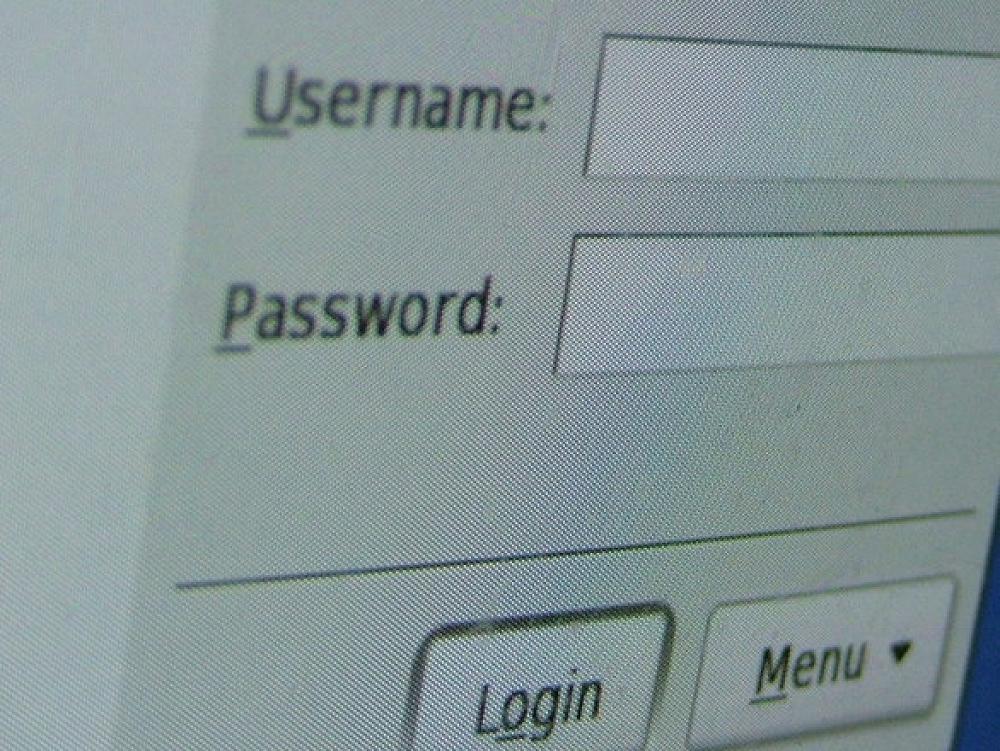
Passwords provide the first line of defense against unauthorized access to your computer. The stronger your password, the more protected your computer will be from hackers and malicious software (malware).
You may have been told to make sure you have strong passwords for all accounts on your computer. But what makes a password strong (or weak)?
This is not as simple a question as we once thought. The man who originally came up with the rules on safe passwords - Bill Burr- has now said this advice is wrong. 14 years ago Bill was working for the US Government and advised that passwords containing capital letters, numbers and non-alphabetic symbols were more difficult to crack.
In some instances these passwords actually put businesses at risk because some staff had to write down the hard to remember character combinations, and yet, the passwords were no less vulnerable to the cyber-attacks where a computer cycles through possible character combinations.
Actually you don't want a password, you want a passphrase!
Today the experts recommend you use easy to remember passphrases. These are a combination of words.
To make sure you have a strong passphrase, don't choose common phrases but instead use a sentence that you can easily remember, like:
MaxandLibbyloveplayingfootball or
WeallhadagreatholidayinChristchurch
are both examples of strong passphrases.
Want to give it a try, then checkout this online tool to see what passphrases are weak or very strong: https://lastpass.com/howsecure.php
When creating a passphrase to use as your password remember:
- Use different passwords for different systems
- Don't share your passwords
- Make sure you log-off after logging into a system or service
- Use two-factor authentication, if available
- Don't write down your passphrase if at all possible (consider using a password manager)
- The longer your passphrase the more secure it is
Check your digital skills
Complete our FREE online 'Digital Citizen Assessment' to determine your skills and knowledge about using the Internet. It takes about 10 minutes and will provide you with a personalised action plan to help you improve your online skills. Plus, you will see how your skills compare to others with our digital benchmark.
If you have any questions or need advice, you can get in touch with the Digital Journey team at hello@digitaljourney.org.
How can Digital Journey help you?
Digital Journey works with individuals, businesses and organisations of all types across New Zealand. We provide FREE online digital assessments and resources, as well as training, coaching and project management services.
Our vision is to help everyone get the most out of the internet, online tools and digital technology.
Find out more at www.digitaljourney.org.