
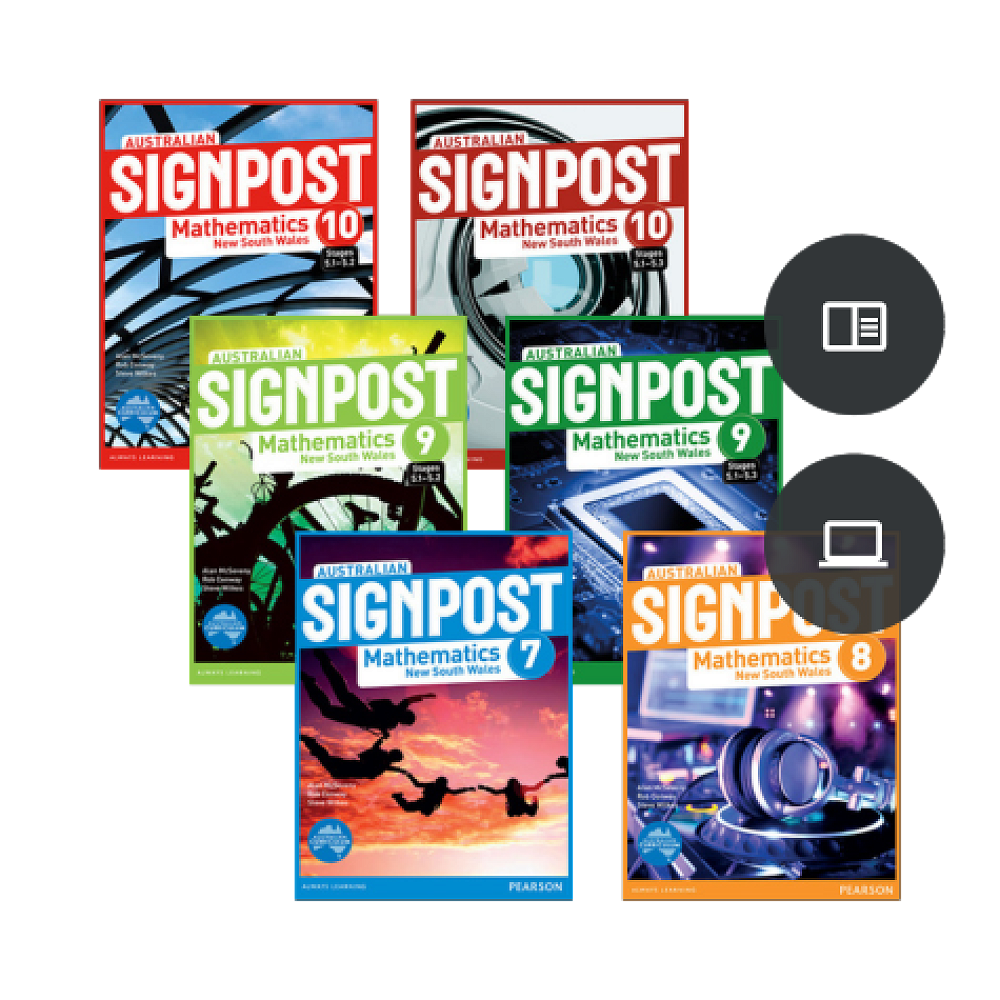
How to access Signpost Mathematics textbooks online
At Dulwich High School of Visual Arts and Design, we use the Signpost textbooks for Years 7-10 of Mathematics. Instead of issuing physical textbooks, students can access the online version to do their homework.
Below is a guide to how you can access textbooks online.
MATHEMATICS TEXTBOOKS (PC)
1. Login to https://www.pearsonplaces.com.au/
Everyone uses the same username and password. See Google Classroom post for more information.
2. Select the textbook required.
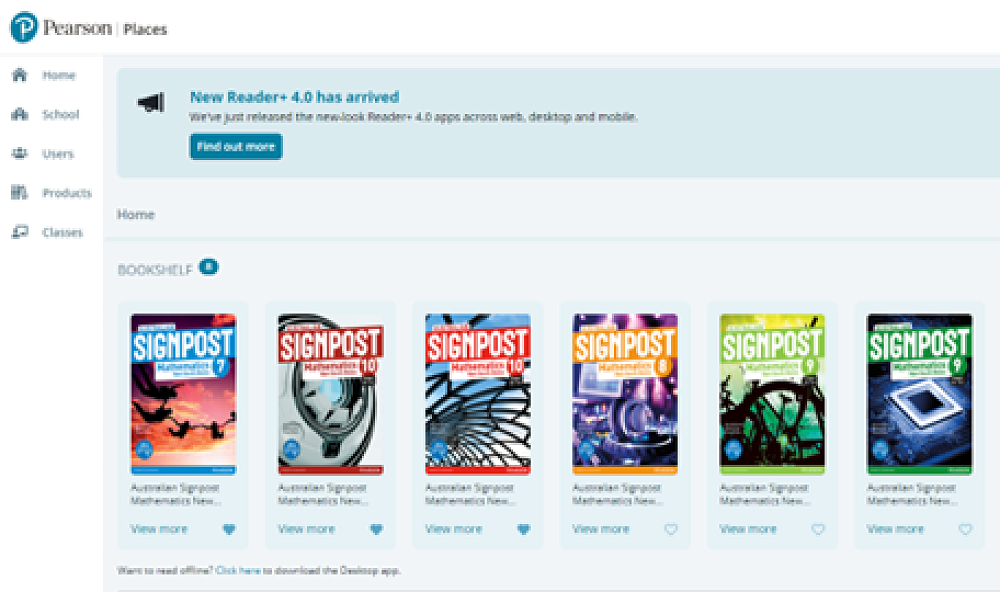

If you see the above error, you will need to clear your cache and your cookies.
On Google Chrome select the three vertical dots on the right-hand side of the web address / More tools / Clear Browsing Data. Select Cookies and other site data and Cached images and files, then clear data.
You may need to sign in again as the website will take you to a Blue Screen Login Page
3. Use the Menu on the Left-Hand Side of the screen to navigate the textbook.
As we all use the same login details sometimes it is easier to use incognito mode (Ctrl+shift+N)
MATHEMATICS TEXTBOOKS (MAC)
At Dulwich High School of Visual Arts and
Design, we use the Signpost textbooks for Years 7-10 of Mathematics. Instead of
issuing physical textbooks, students can access the online version to do their
homework.
1. Open Google Chrome in Incognito Mode. (Cmd+Shift+N) Once you’ve open Google Chrome, select the three dot icon in the upper-right corner. Select New Incognito window from the drop-down menu.
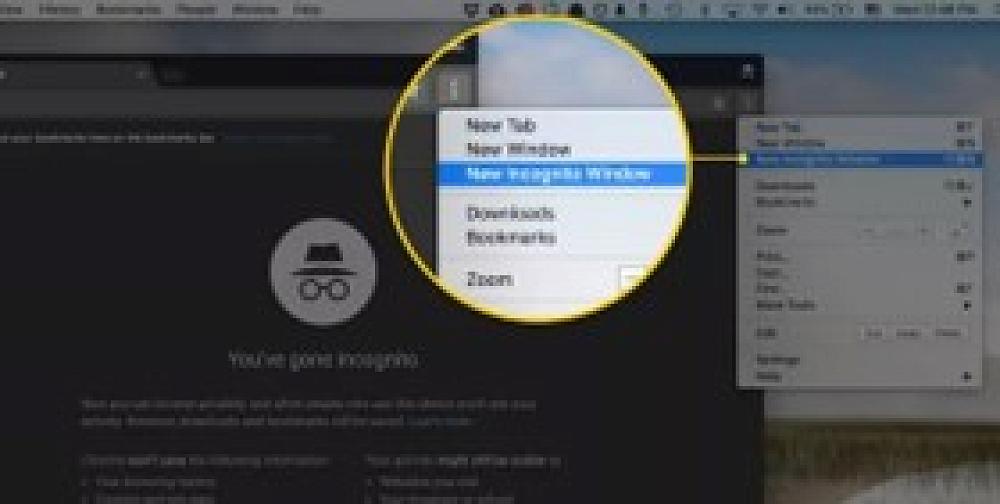
2.Login to https://www.pearsonplaces.com.au/ Everyone uses the same Username & Password. See Google Classroom post for more information.
3. Select the textbook required
If the page won’t load
a) Click the eye icon (third-party cookie blocking icon) on the web address line b) Click on “Site not working” c) Click on “Allow cookies”
You may need to sign in again as the website will take you to a blue screen login page.
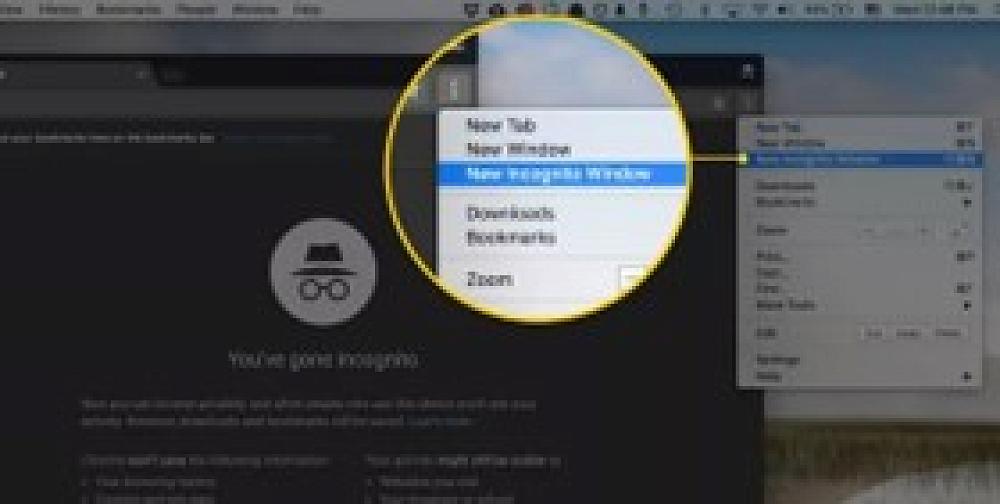
4. Use the menu on the left hand side of the screen to navigate the textbook.
Note: Physical Textbooks can be hired from the Maths Faculty for a non-refundable $25 hire fee.