
TZ HOMEPORT
Take your shoreside planning to the next level...
TimeZero (TZ) provide a cost effective 'shoreside' program for TZ PROFESSIONAL / TZ NAVIGATOR owners...
TZ HOMEPORT
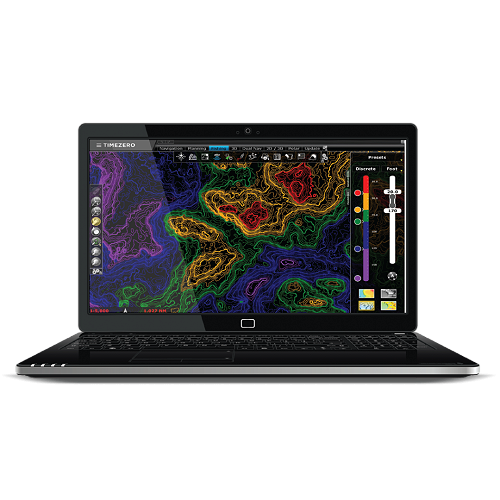
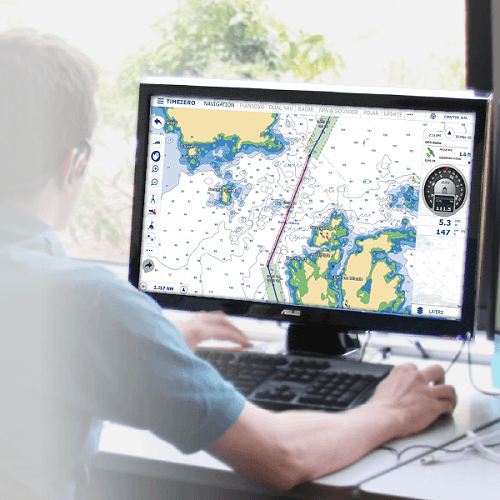
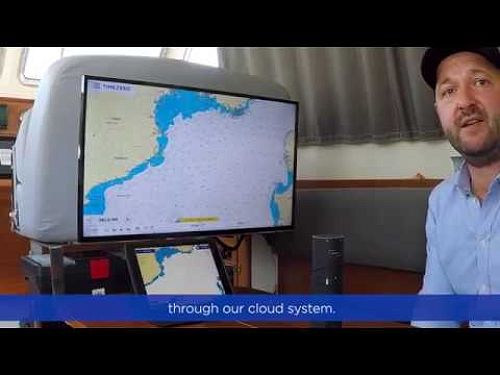
This optional program is designed to run on your office/home computer, providing you with a backup of your ships TZ data to aid planning. It's a great way of pooling fleet data into a single program.
TZ HOMEPORT offers all the features and benefits of the program installed on your vessel, but without the ability to connect to instruments (no need for a shoreside system to connect to NMEA0183, NMEA2000 etc.).

Charting
There is no need to purchase additional charts for TZ HOMEPORT!
The charts from your primary TZ onboard license will be transferred to the TZ HOMEPORT for free (note: you will need to provide your onboard TZ ID license number when placing your TZ-Homeport order).

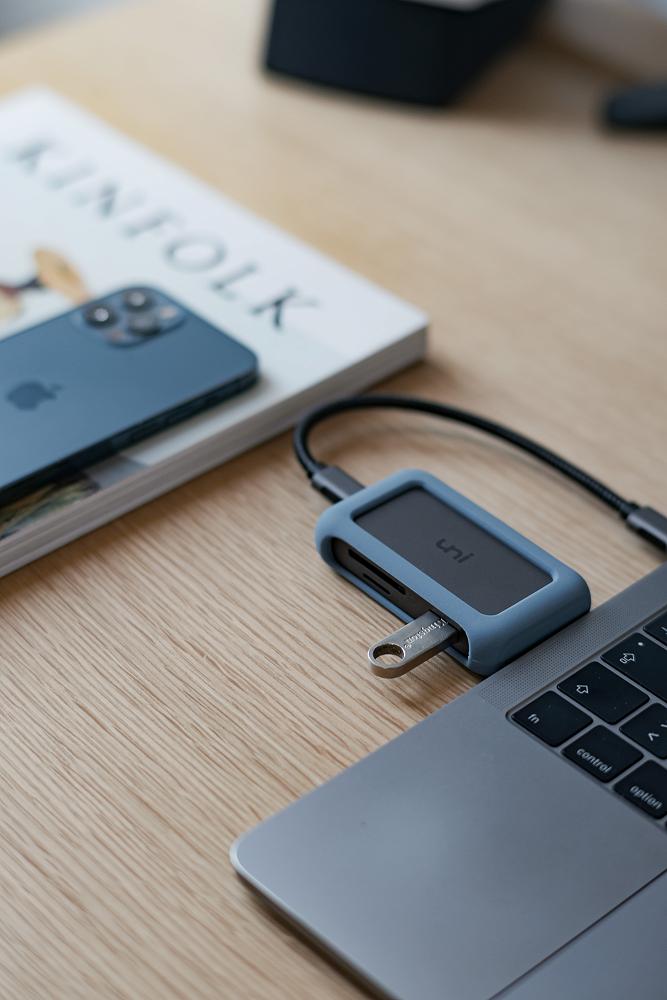
Sharing Data between Ship & Shore: via USB
TZ Data (marks/plots, text, lines boundaries etc.) can be imported/exported via TZ Homeport via USB connection. Use a flash drive to manually transfer data from ship/shoreside TZ computer. In the case of fleet owners, the data from multiple vessels can be imported and combined on the TZ HOMEPORT program for total overview/management and safekeeping.
Sharing Data between Ship & Shore: via TZ Cloud
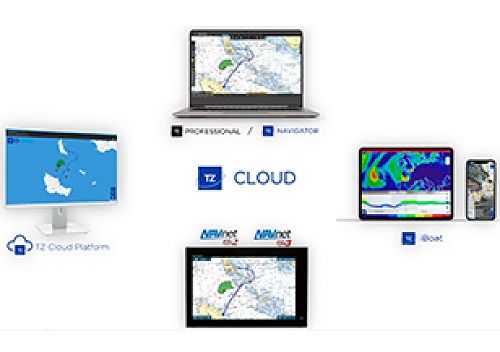
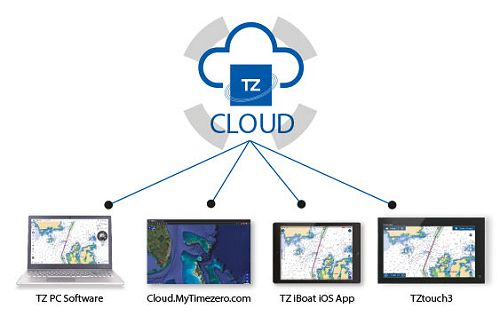
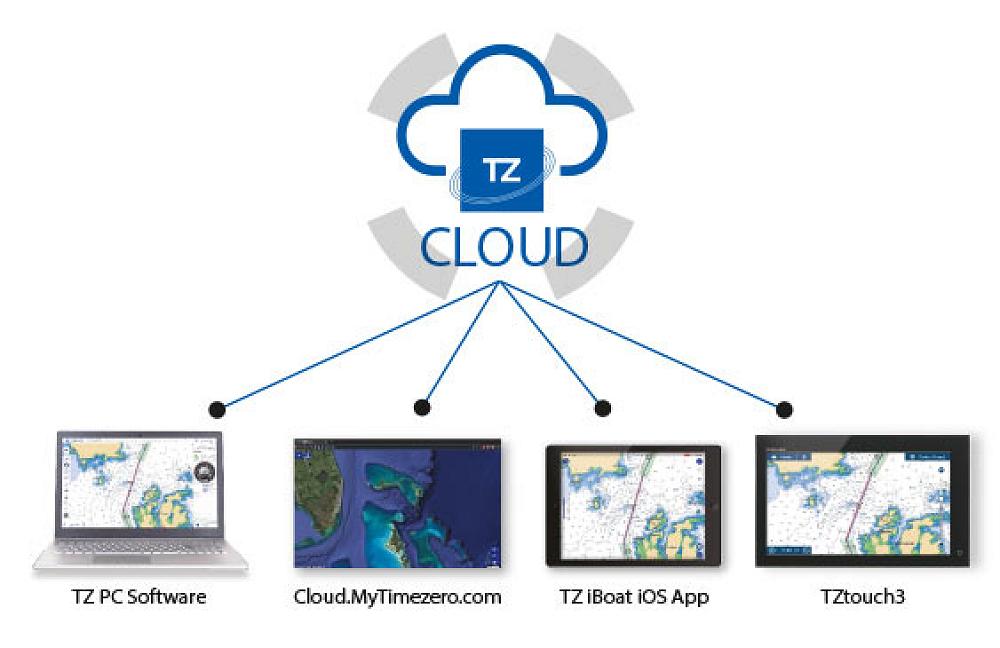
If your vessel and office TZ computers both have internet connectivity and the latest/current TZ version, then you can synchronize your data via TZ Cloud service. Synchronization is achieved by logging into your MyTIMEZERO account on both the ship and the shoreside TZ computers. Click here to create your (FREE) MyTIMEZERO account, click here.
PBG Data
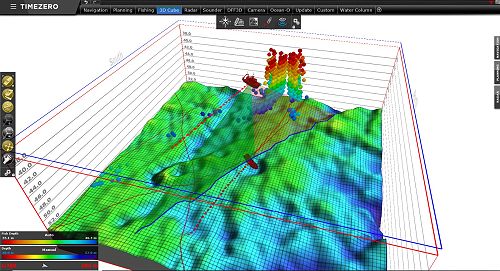
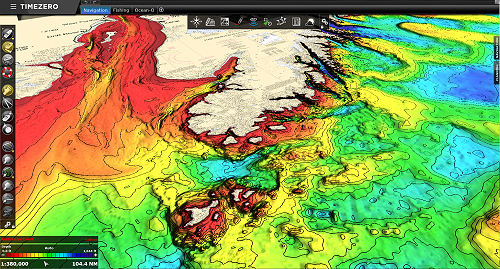
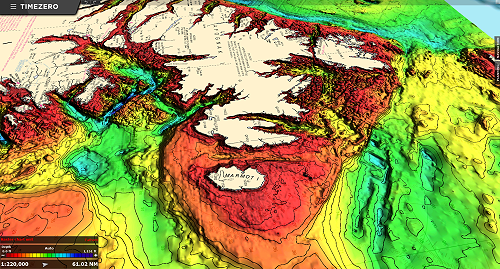
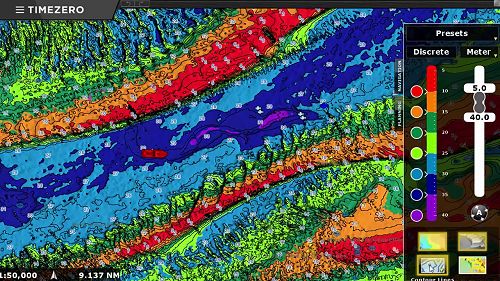
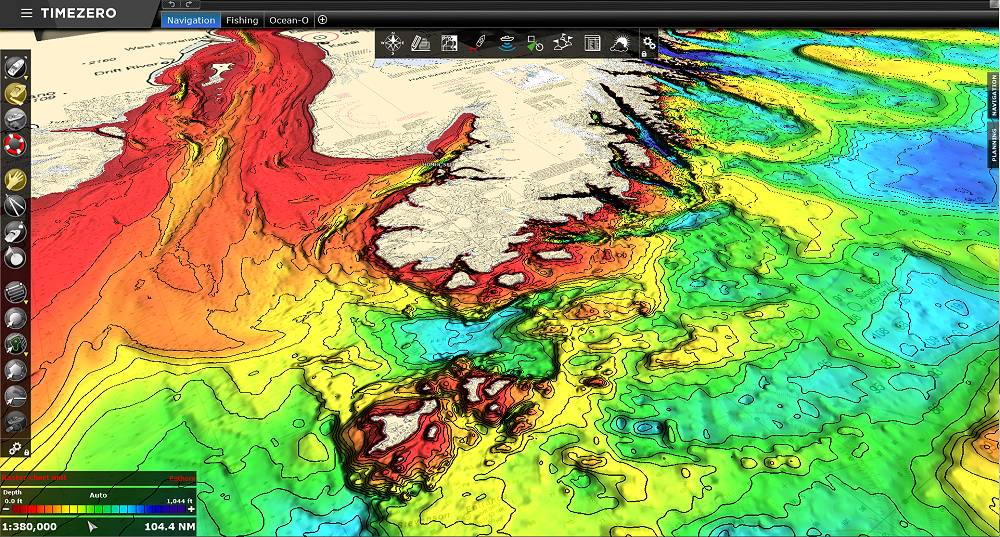
If you have the TZ PBG module (Personal Bathy Generator) on your vessel, you will likely have a database of bathymetric data (seafloor shape) you have self-generated with your echosounder (single beam, DFF3D, WASSP etc.).
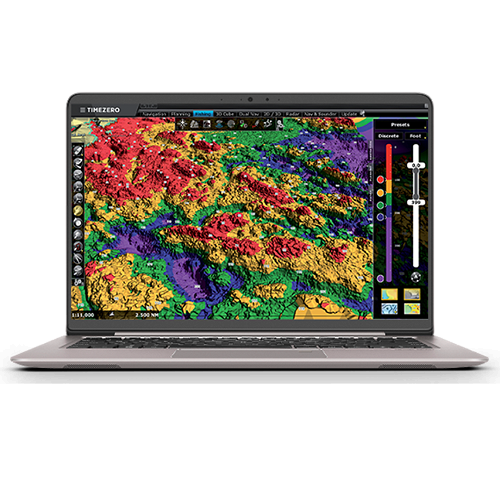
PBG data can be exported from the vessel system, and then imported & viewed on TZ HOMEPORT shoreside. If you have WASSP backscatter (seafloor hardness) data, this can also be exported and viewed on TZ HOMEPORT. This greatly aids fishing planning.
In the case of fleet owners, PBG data from multiple vessels can be imported and combined on the TZ HOMEPORT program for total overview/management and safekeeping.
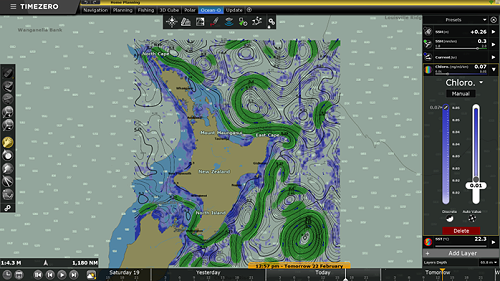
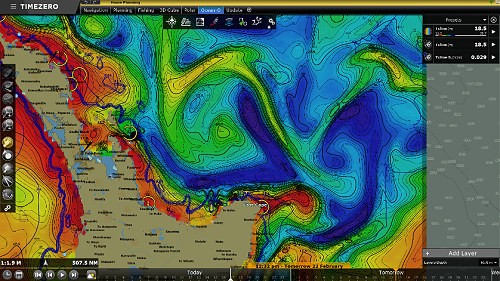
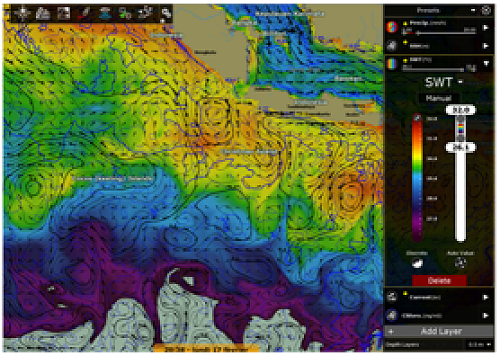
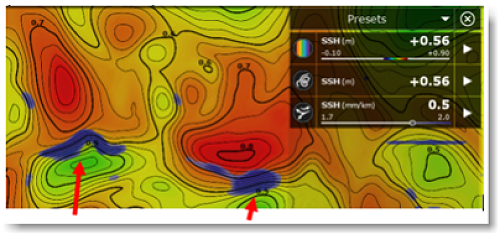
Ocean-O Oceanographic Forecasting
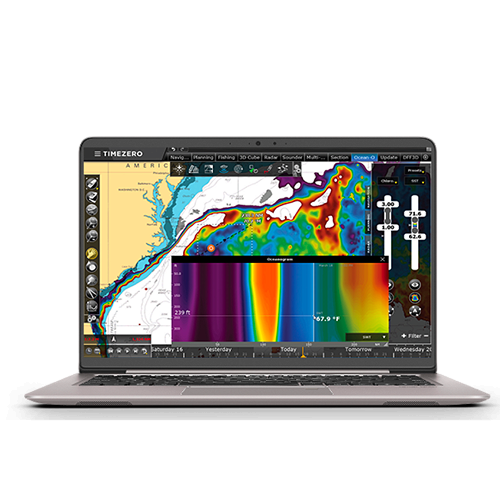
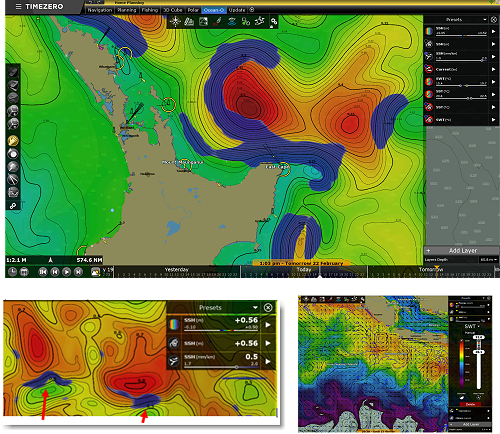
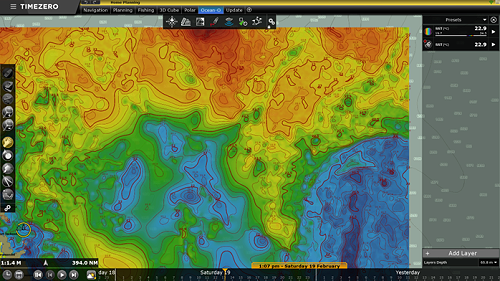
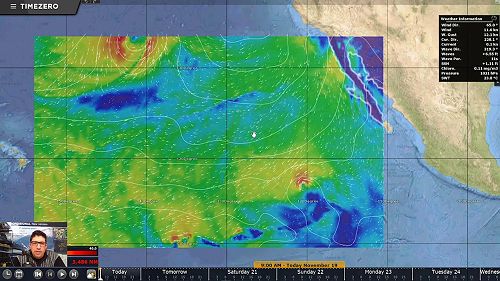
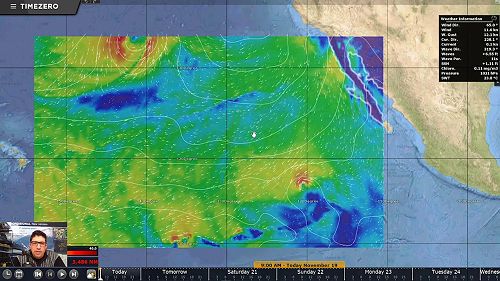
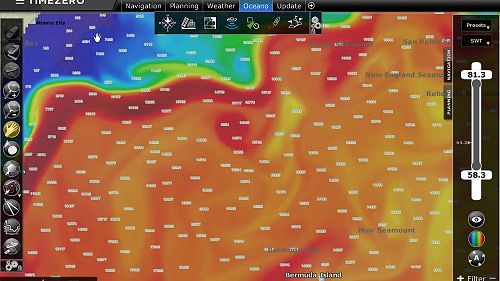
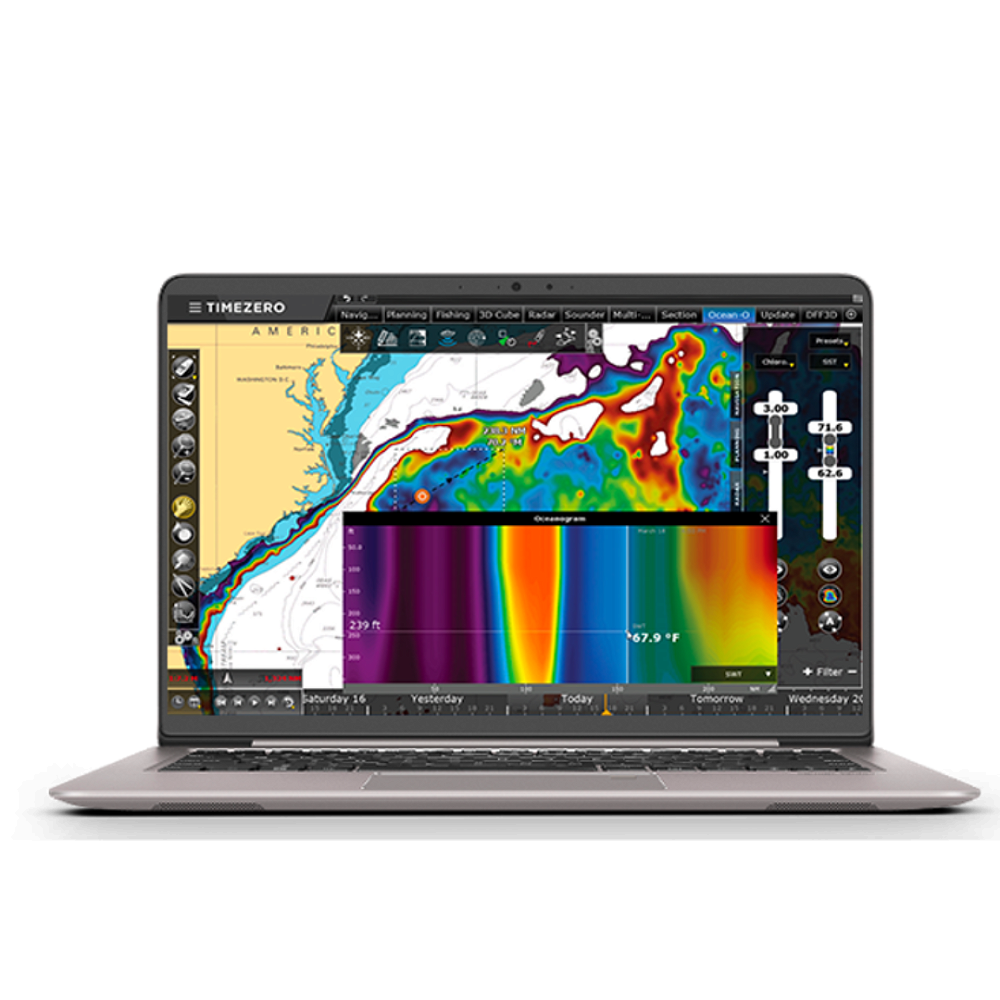
If you already subscribe to TZ Ocean-O (subscription service) for your vessel, this forecasting can also be accessed on your TZ HOMEPORT system - providing an invaluable asset at the office! The TZ HOMEPORT system will need to be logged into your MyTIMEZERO account.
Note: TZ Ocean-O is only compatible with TZ Pro v4 or v5.
To learn more about TZ Ocean-O click here.
Shape/Boundary Files
NZ Maritime & Fisheries Boundaries can be displayed on TimeZero PROFESSIONAL & TZ HOMEPORT programs. This greatly aids fishing planning. Shape files created shoreside can be shared shipside, and vice versa. Ships system must be latest/current TZ PROFESSIONAL version. To learn more about displaying shape files, click here.

Fleet Tracking
TZ HOMEPORT can be used as part of a vessel/fleet tracking system. To learn more about Fleet Tracking, click here.

Pricing
Contact ENL or your local TZ dealer for pricing.
ENL Contact: enquiries@enl.co.nz
Gallery