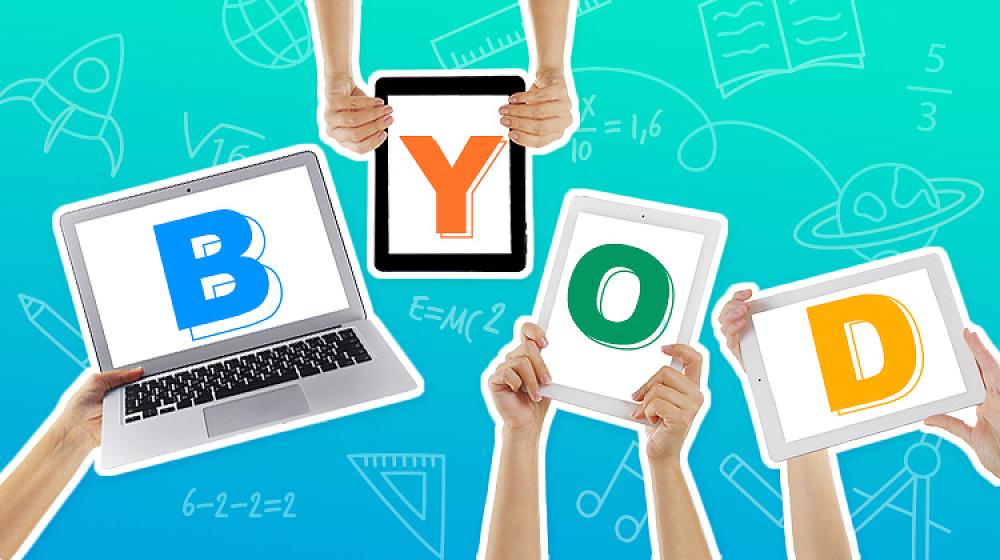
BYOD (Bring Your Own Device)
Today, using technology in the classroom supports the intention of our New Zealand Curriculum (2007).
Key parts of the New Zealand Curriculum vision include:
- Offering resources that take into account individual differences (ways of learning, cultural, developmental, etc)
- Exploring how schools can use ICT to open up new and different ways of learning
The New Zealand Curriculum also notes that students should be:
- Confident - motivated, reliable, and resourceful
- Connected - effective users of communication tools and international citizens
- Actively involved participators in a range of life contexts
- Lifelong learners - active seekers, users and creators of knowledge, critical and creative thinkers
BYOD is offered to Heathcote Valley School students in Years 5-8. The school leases iPads for tamariki to use as learning tools from Years 0-8, but in Year 5, students can begin to use Chromebooks.
Chromebooks and iPads are used to teach different skills. iPads teach children how to use ‘create’ apps (e.g., iMovie, Garageband, Clips, Book Creator, iStopMotion, Chatterpix) to design, create and communicate learning.
Associated skills with using Chromebooks include word processing, researching, storing learning, and using email. With children bringing a Chromebook to school and Heathcote Valley School supplying iPads this means children in Years 5-8 are able to choose ‘the right tool for the job.’
How do students use their devices?
In Years 5-8 children use their devices to:
- access knowledge and resources
- create digital responses and communicate their learning
- give and receive feedback
- participate in online learning activities
- collaborate with others
By using their own device at school children are then able to continue their learning at home (ubiquitous learning).
Digital responsibility
There is a large degree of responsibility in students bringing a device to school. We have a contract that has to be agreed to and signed by students and their parents.
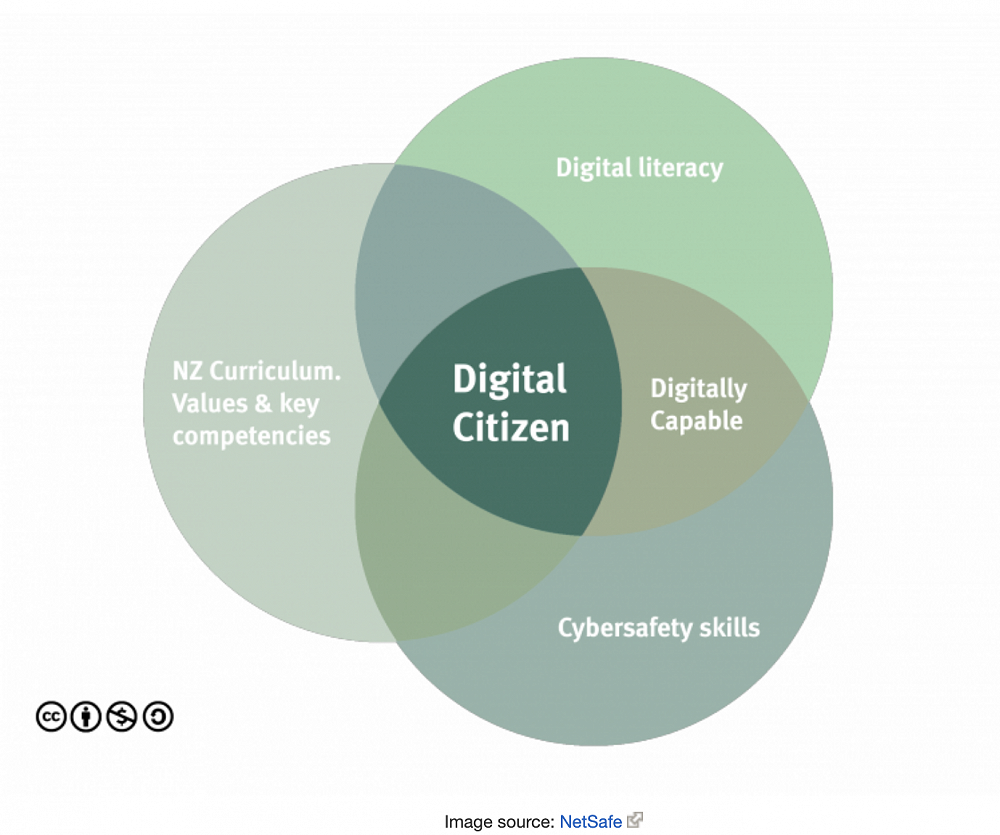
Students must agree to:
- Bringing my device to school each day fully charged
- Not using my device at break times unless the teacher has given permission to do so
- Using only learning sites and apps that the teacher has recommended
- Looking after, and caring for, my device
- Making sure my words and actions online are kind and motivating for others
- My teacher will decide how I use my device including restricting use if I break this agreement
Parents must agree to:
- Making sure my child understands their BYOD agreement and cybersafety responsibilities
- Providing insurance for the device
- Being responsible for any damages to my child’s device as well as replacement or repair costs
Heathcote Valley School must agree to:
- Providing a wifi connection for the device to our school network
- Providing website filtering protection
- Delivering cyber safety education to students
- Planning learning that will be enhanced through digital technology
- Notifying parents if the cybersafety agreement is broken by the student
Additionally, Heathcote Valley School provides ‘Hapara Teacher Dashboard’ to support the safety of students online. Hapara allows teachers access to students' school Google accounts to monitor any of their online activity at school. Through Hapara, teachers can also view learning, provide feedback and next step learning, and children can also respond to teachers. This is a safe and secure way for children to use online learning at school.
Heathcote Valley School does own a small number of Chromebooks and leases iPads for Years 0-8 but as a school we are unable to fund 1-to-1 devices for all students, even though we would like to.
If you are considering buying your child a device, we suggest buying a Chromebook because:
- One type of device provides a consistent teaching and learning tool for both teachers and learners
- They are easy to use
- They run on a Google Chrome operating system meaning that file storage is online in the ‘cloud’
There are a number of Chromebooks available that include:
Basic Models:
- Lenovo Chromebook 100e 2nd GenHP
- Acer 311 Chromebook 11.6
Higher Models:
- Lenovo Yoga 500e Chromebook Gen3
- Acer Chromebook Spin 511
Additionally, a set of headphones and a protective cover for your child's device are required. We have an online portal with Cyclone (our school IT provider) which offers different models for purchase. Information on BYOD goes out to parents in Term 4.
If you have any questions about BYOD you are welcome to contact the classroom teachers. You can visit the classrooms to see how devices are being used.