
Hero logo
Hero, School App
How to download the Hero app for all school communications and real time reporting about your child/ren's learning.
Hero
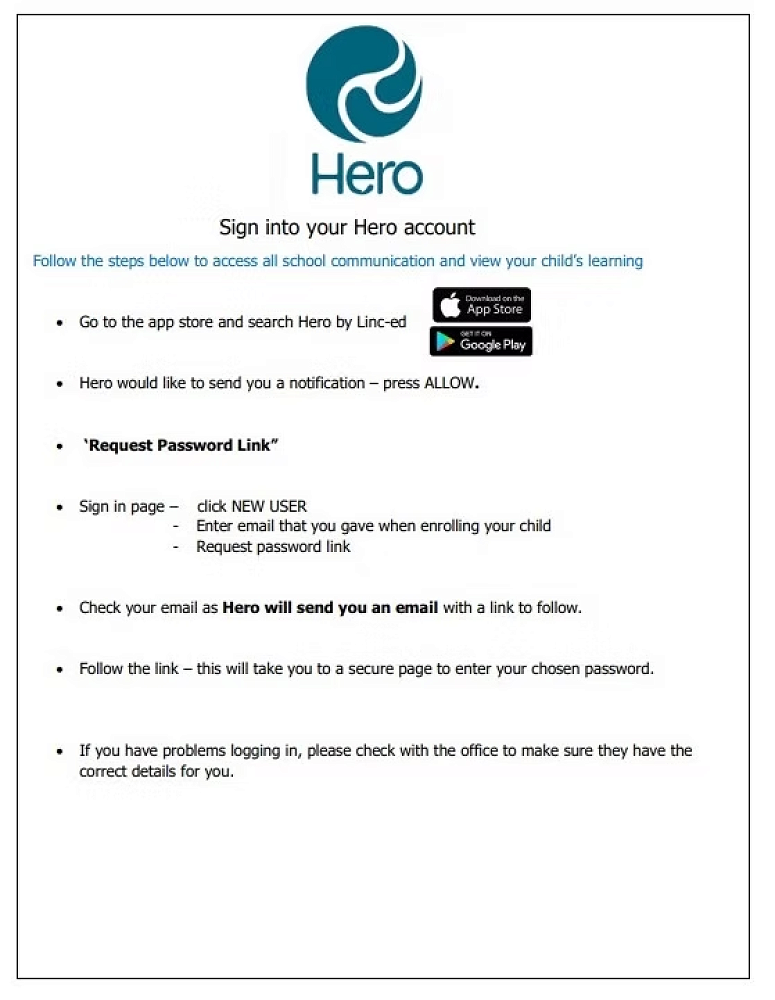
Sign into your Hero account
Follow the steps below to access communication and view your child's learning.
• Go to the app store and search Hero by Linc-ed
• Hero would like to send you a notification — press ALLOW.
Password Link
Sign in page
Click NEW USER
Enter mail that you gave when enrolling your child.
Request password link
Check your email as Hero will send you an email with a link to follow.
Follow the link - this will take you to a secure page to enter your chosen password.
If you have problems logging in, please check with the office to make sure they have the correct details for you.