
BYOD - BRING YOUR OWN DEVICE
Jireh Christian School is a BYOD school. We recognise the increasing integration of digital technology across all areas of 21st Century communication, learning and culture. We seek to actively support students in developing digital fluency so that they gain the skills and confidence to use digital technology effectively and for a range of learning purposes.
Students in the IKA learning area (Years 4, 5 and 6) and TĪWAI (Years 7 and 8) in 2025 are asked to bring a Chromebook or Laptop for learning.
Chromebooks are expensive and are to be used at school as a learning device only. They are learning tools, not for playing games. Students are only allowed to use these for learning while at school; this also includes before and after school. Devices will only be used while the teacher is in the class. When the Chromebook arrives at school, it will be locked away in the classroom during break times, when the class is not there, and when it is not in use. We take the use of devices seriously in our school. If your child is found searching for something they should not be searching for or are playing unrelated games, there will be consequences.
There are many different types of Chromebooks available to purchase. You can have any brand of Chromebook – ASUS, HP, LENOVO, ACER … Any of these are good.
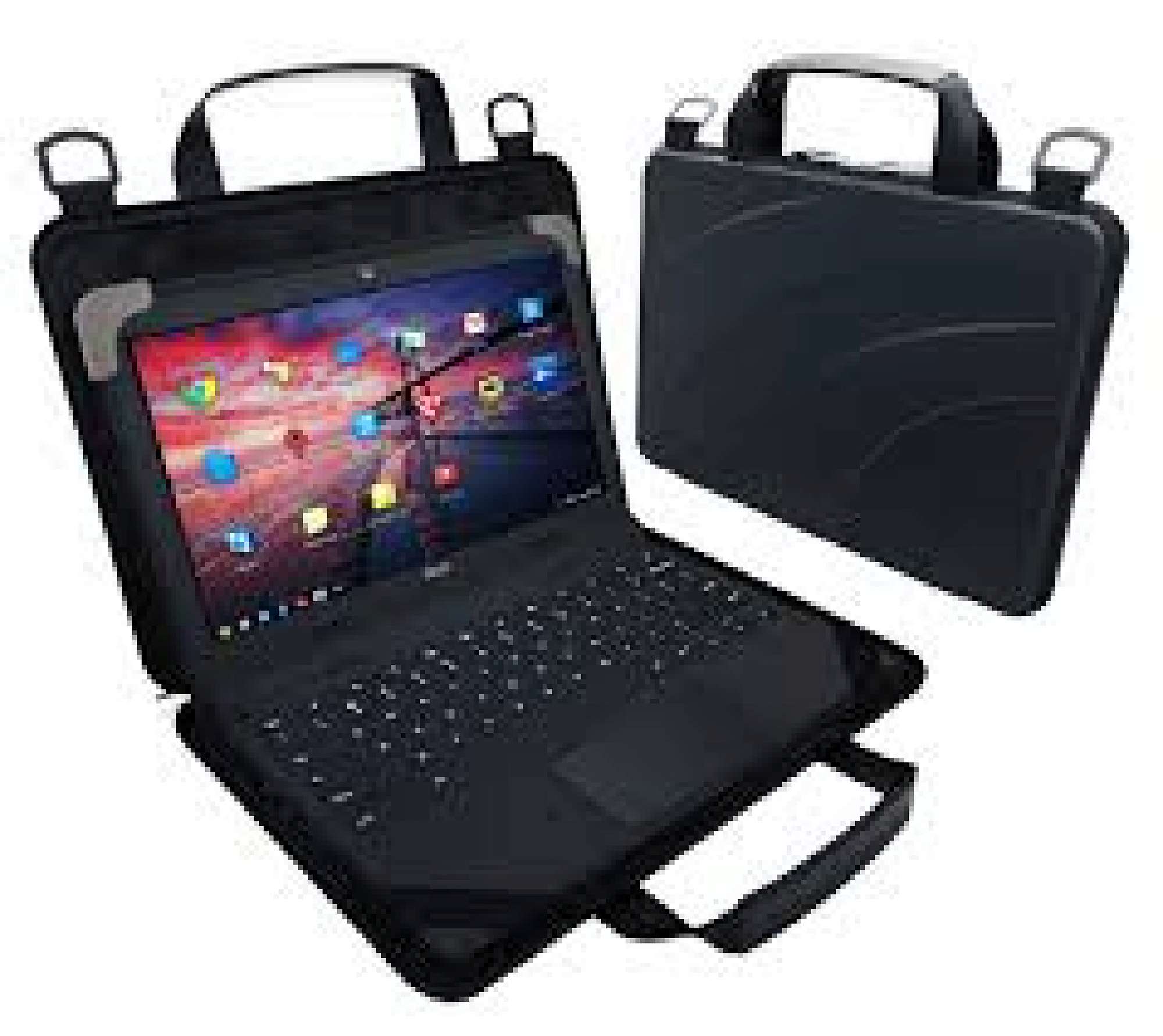
Chromebooks are only able to be brought into school if they have a case. There are a variety of cases on the market: hard shell, neoprene sleeve, etc. We recommend a hard shell that the Chromebook sits snuggly into. Included is a photo of a device – it has elastic on the corners which helps keep the case secure. It is fine not to have a case with Velcro – but it must have a case to protect it. We also recommend a wireless/bluetooth mouse.
Students need a pair of headphones which are to be left at school. If they have ear buds, they will need to be stored in a plastic container or plastic bag for hygiene reasons.
Here is a photo of a suitable Chromebook and case. It has a zip pocket on the front where a bluetooth mouse can be kept.
If you have any questions, please contact our head of e-Learning - Sarah Thomson on sarah.thomson@jireh.school.nz