
App Notification
Photo by KingsWay School
Have you downloaded our School App on your phone?
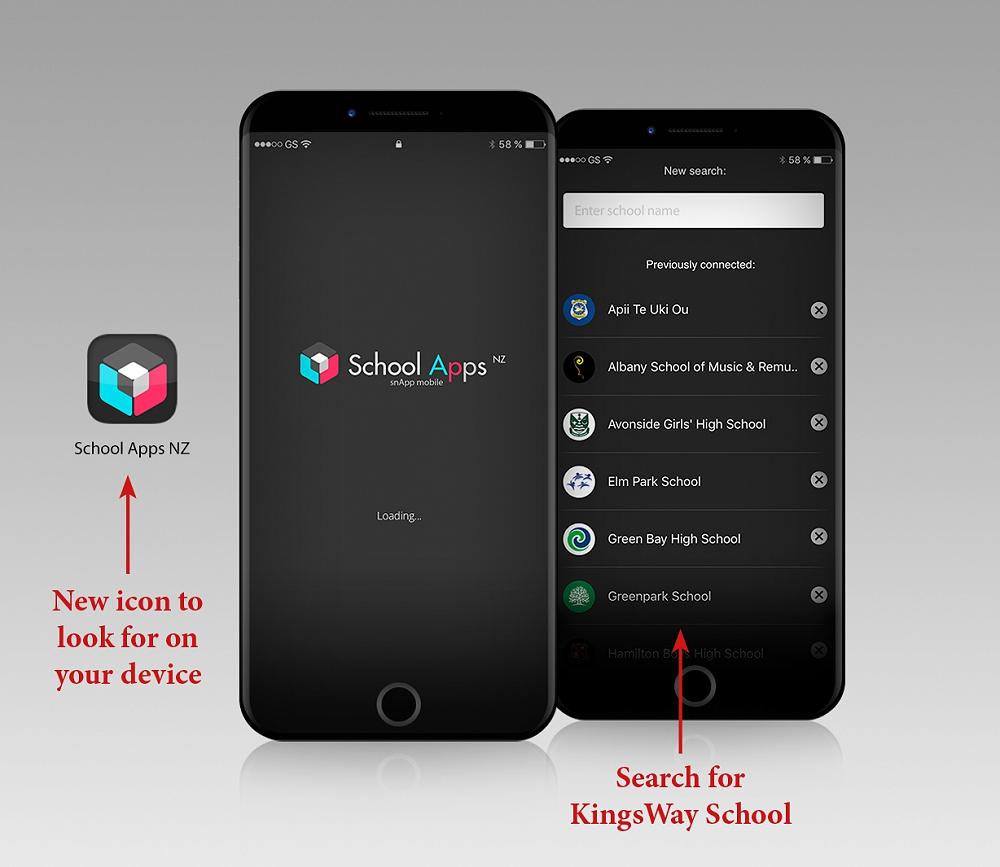
In the event of an emergency or school closure, KingsWay School will contact parents with a notification on our School App. Please ensure you have downloaded this app. Instructions on how to download the app below:
To DOWNLOAD our School App:
- Go to the App Store on your Apple or Android device and search 'SchoolAppsNZ' to download the app onto your device.
- Search for 'KingsWay School' and click on the icon.
- Once you have selected 'KingsWay School', the KingsWay School app will automatically open every time you select the School Apps NZ app on your phone.
- Subscribe to the correct groups:
Once you have the KingsWay School app open, please make sure you subscribe to the correct groups, including 'Emergency'. To find the Alert Subscriptions, click on the top left 3 lines for the menu and you will see 'Alert Subscriptions'.