
Reporting 2019
We are delighted to be able to publish reporting comments for your child’s learning throughout the year via Linc-Ed.
Please see reminder details for how to access your parent account below.
Term 2:
- Reading & writing comments (week 5)
- Integrated inquiry comments (week 10)
Term 3:
- Reading, writing and mathematics comments (week 9)
Term 4:
- Integrated Curriculum Comment - art, health/pe, technology, Te Reo, wheke time (week 5)
- General Comment (week 9)
How to access your child’s LINC-ED page?
Step 1
Visit https://lyttelton.linc-ed.com/wp-login.php?action=lostpassword
Step 2
Click login and enter your password
Step 3
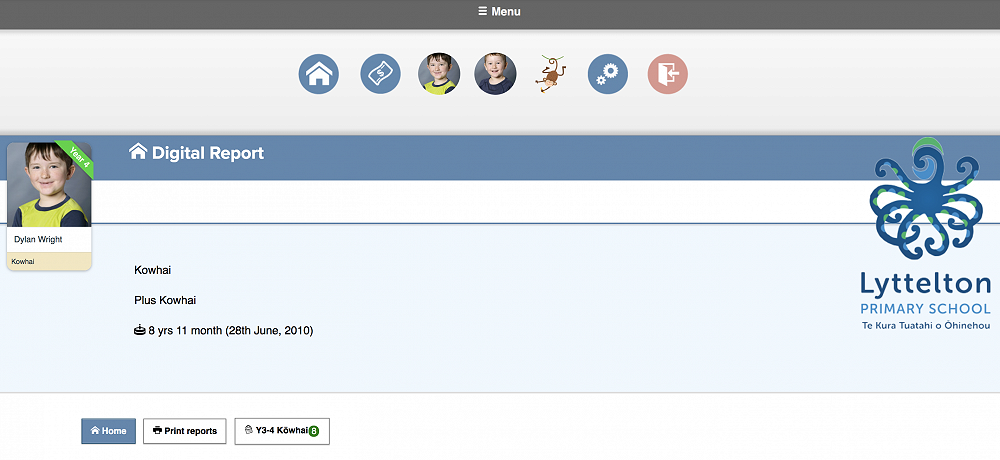
Click Menu at the top of your screen and click on your child’s icon.
How to access your child’s LINC-ED page if you have forgotten your password or you are a new user.
Step 1
Visit https://lyttelton.linc-ed.com/wp-login.php?action=lostpassword
Step 2
Click the Lost your Password button.
Step 3
Enter the email address you have given the school to send you communication. Click Get New Password.
Step 4
An email will be sent to you containing a link for you to click on. The link will take you to a page where you will see your new password.
If you choose to, you can delete the automatically generated password and enter your own strong, secure password then click Reset Password.
Step 5
Enjoy reading, viewing and listening to your child’s learning. Become part of the conversation by writing a comment or adding a ‘Like’ to the post.