
Introducing the New Helix App for Caregivers – Now with Browser Access!
Just a reminder for those that missed it ...
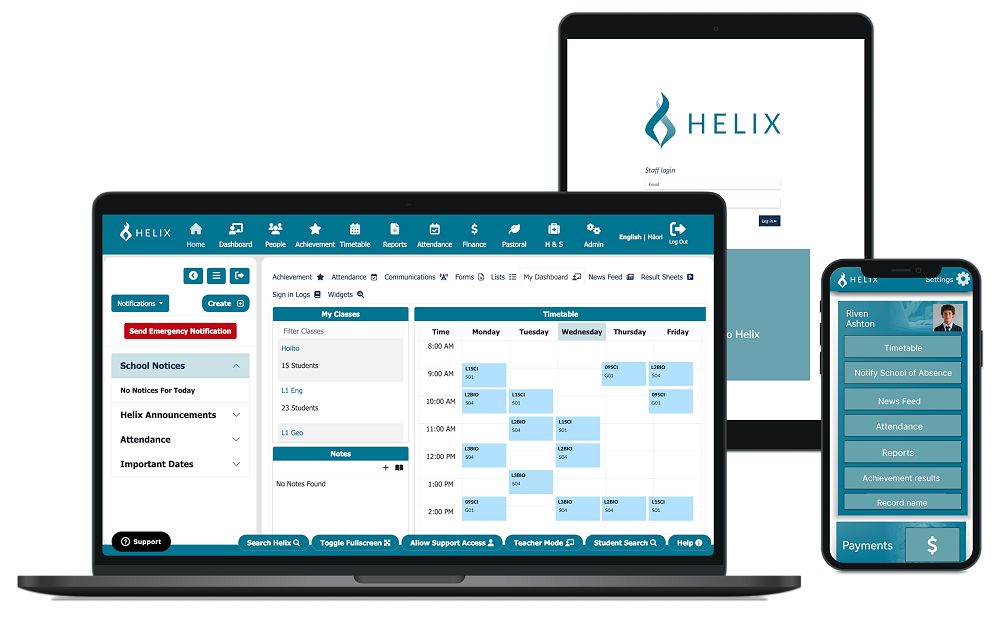
We’re excited to launch the Helix App, the new and improved platform for caregivers to stay connected with their student’s learning. The Helix App replaces the Edge App and offers a more streamlined, user-friendly experience.
If you’ve previously used the Edge App, the transition is easy — simply use the same login credentials you used with Edge. No new account needed!
With the Helix App, caregivers can:
View student timetables and attendance
Monitor academic progress and assessment results
Receive important updates and notifications
📄 For step-by-step instructions and more detailed information, please see the attached PDF.
Now Available from Your Browser!
In addition to the mobile app, the Helix Caregiver Portal is now accessible via browser:
🔗 https://parent.helixsms.co.nz/Loginpage_caregiver.aspx
Students can also now access the Helix Student Portal from any browser:
🔗 https://student.helixsms.co.nz/Loginpage_student.aspx
Both caregivers and students can use their Edge authentication to log in or opt to reset their password if needed.
We encourage all caregivers to make the switch as soon as possible. If you need any assistance, feel free to contact the school office.
Stay connected. Stay informed. Access Helix today — via app or browser!