
Research Alerts
While undertaking a Masters or PhD thesis, you may find it difficult to keep abreast of new research relevant to your topic.
To address this issue, you may want to set up some research alerts. This option is available in Library Search | Ketu, most of the Databases and Google Scholar. There are also different types alerts:
To new (or newly added) research matching a set of search terms (Search alerts). This is probably the most frequently used research alert.
To new research that hascitedan article of your choice (Citation alerts).
To a new issue of selected academic journals (Journal alerts).
To new research from a selected academic (Author alerts).
Alerts in Google Scholar
If you want to get an idea of what is being published in relation to your research topic, regardless of whether it is held in the Library collection, Google Scholar is a good place to set up research alerts. Google Scholar lets you set up Search and Citation alerts.
Setting up a Search alert:
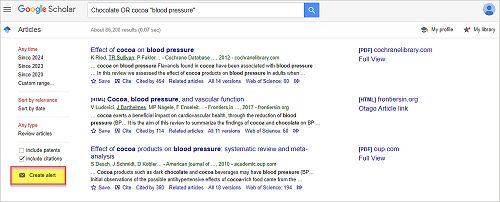
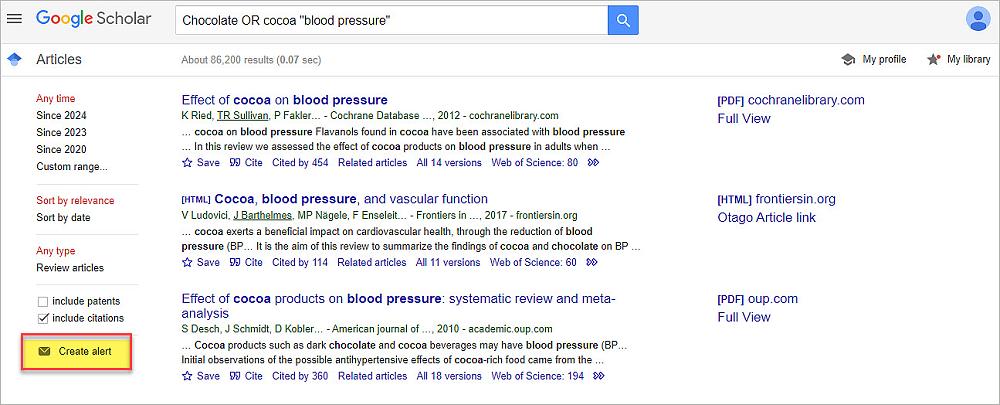
Once you have a combination of search words that are retrieving relevant results in Google Scholar, use the Create alert link to set up an email alert. The following image indicates the location of that link.
Receiving Google Scholar alerts
If you are signed in to Google at the time of creating the alert, it will automatically be set to go to your gmail address. (Research alerts are most often sent to an email address). To cancel alerts, look for the Unsubscribe option at the bottom of the email notifications.
Setting up Research Alerts in other places:
The Keeping up-to-date with Research guide provides instructions for setting up alerts in various databases and websites.
Tip: for Journal Alerts, try the resource called JournalTOCs
Gallery