
Downloading the School Apps NZ app
This app is one of our ways of communication to parents. You can access the Hero app through this app as well as other important information.
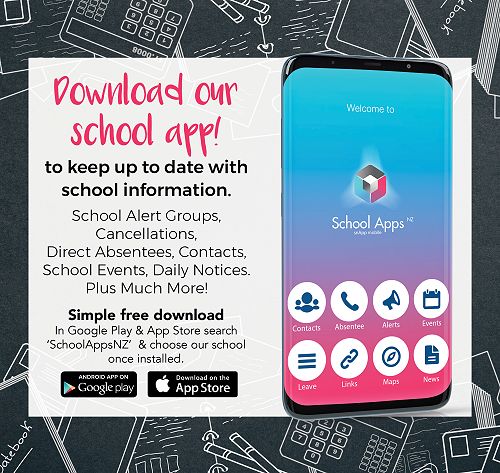
Keep up to Date with School Information
School Alert Groups
Cancellations
Direct Absentees
Contacts
School Events
Daily Notices
Plus Much More
Download Links
Google Play Store (Android Download)
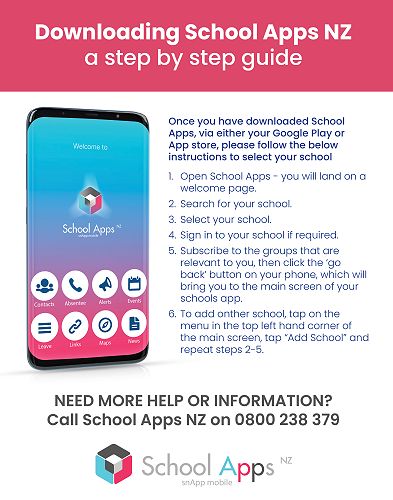
Once you have downloaded School Apps, via either your Google Play or App store, please follow the instructions below to select your school:
Open School Apps – you will land on a welcome page.
Search for 'Our Lady Star of the Sea School"
Select the school.
Sign in to the school if required.
Subscribe to the groups that are relevant to you, then click the ‘go back’ button on your phone, which will bring you to the main screen of your school’s app.
Additional Instructions can be found below
Gallery