
SchoolBridge
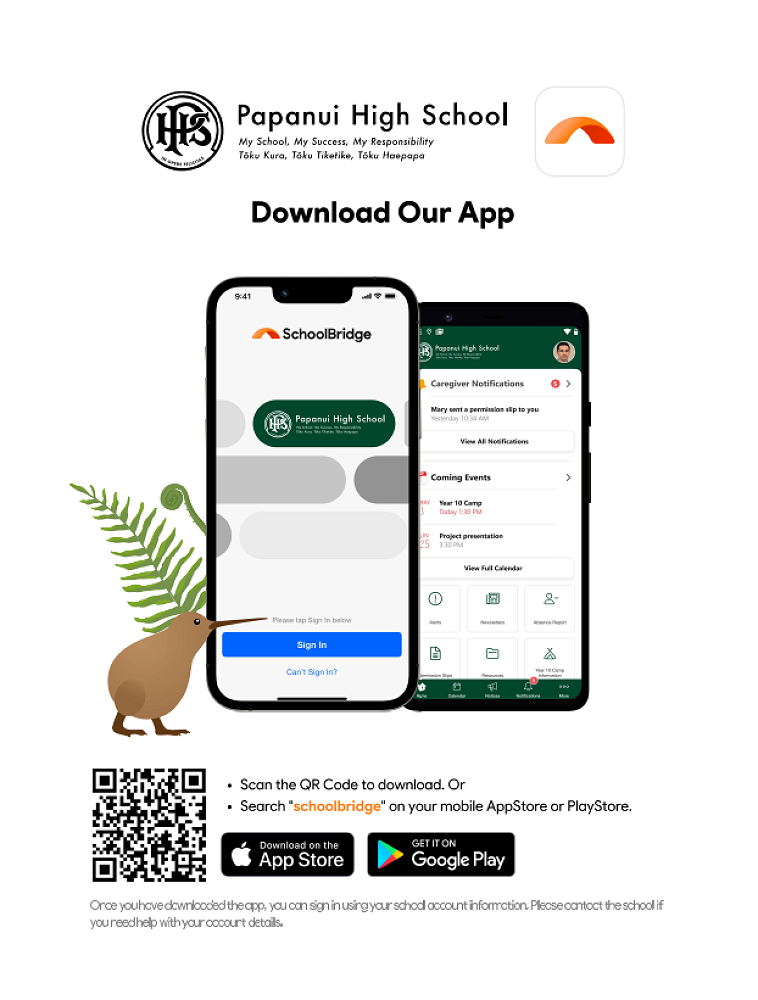
Papanui High School uses the SchoolBridge App. It is recommended that parents, caregivers and students download the SchoolBridge app.
On the app you will be able to report an absence, access other information such as students' attendance and timetable and receive notifications from the school.
Please use the QR code in the image below or download the SchoolBridge app here:
Once you’ve downloaded the SchoolBridge App, select Sign In and an alert will pop up saying, ‘SchoolBridgeApp wants to use bridge.school.nz to Sign In’ please select Continue.
Your registered email address is the address we use to send emails to you.
Parents and caregivers have the option to sign in with Google (Gmail), Facebook, Yahoo or Microsoft if they use the same email with any of these companies where you use your registered email address. If you haven’t logged into the email address you use for Papanui High School communications on your phone before, there might be a few more steps in the process.
You can also use the magic link button to sign in. Simply add your school registered email address to the "request a Magic Sign-in Code” and click send. You will receive a link in your inbox to confirm the sign in.
Students are also encouraged to download the app.
Gallery