
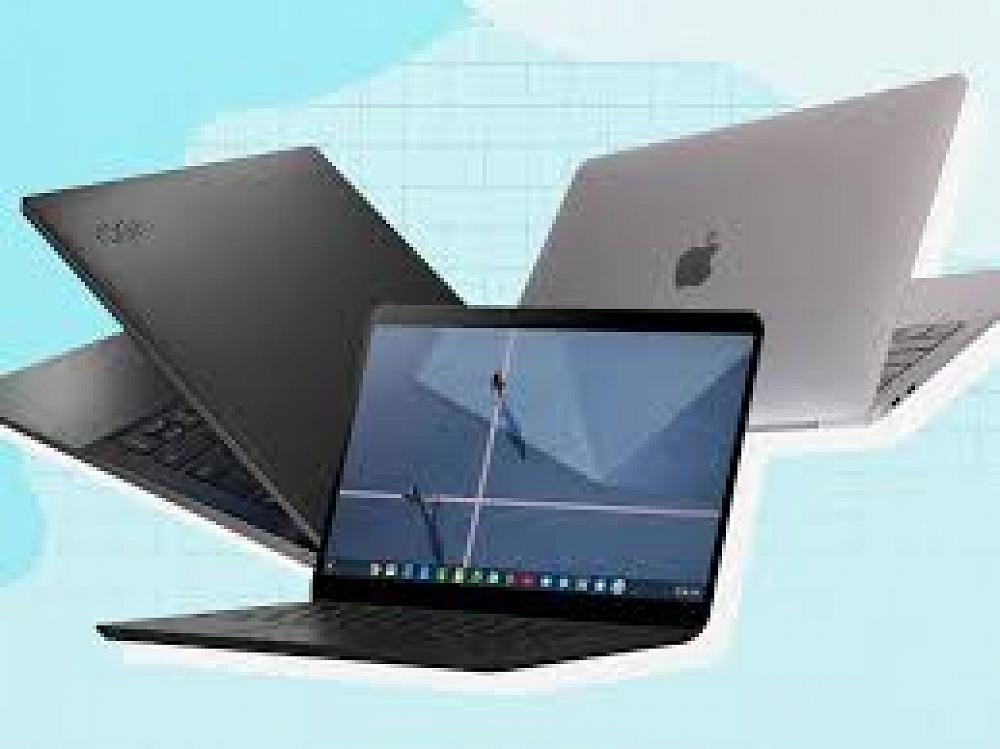
Student Device Specifications
Young men in Years 10 - 13 are encouraged to bring their own internet capable laptop to school to use in class when required by the teacher. Students increasingly need to use technology to complete internal assessments and we are a cloud-based school. This means that students can access email, calendar and documents for learning anytime, anywhere, and on any internet capable laptop.
At PNBHS, laptops must meet the following requirements:
- screen size of at least 13”
- laptop or netbook (no tablets unless they meet the screen size requirements and come with a keyboard
PNBHS has decided not to name one particular laptop for parents/caregivers to buy as the market is evolving so rapidly and new laptops are appearing all the time. It is also important to keep in mind the laptop required will change based on students subjects and individual needs. Seniors may also purchase various laptops depending on course selection, as some courses will have greater software needs. Students doing senior courses, especially Statistics, Media Studies, Photography, Graphics and Music,may prefer to use a more powerful laptop.
Types of Appropriate Devices:
Ultrabook and Windows Surface
A computer that
combines components of a laptop with the portability of a tablet.
- small size laptop
- full operating functionality
- versatile
- light and portable
- good screen size
- works with Google apps, word processing, Microsoft
- good battery life
- hard drive (SSD)
- no built in CD/DVD
Laptop
A portable computer.
- relatively large and slightly heavier
- great functionality in terms of access to programs and high-end applications
- works with Google apps, word processing, microsoft
- full-size screen
- good battery life
- built-in CD/DVD
- Wide range of pricing options from low cost to very expensive.
RECOMMENDED SPECIFICATIONS (Things to Consider):
Wireless networking capability.
- A colour screen.
- An audio-out port and earbuds or headphones.
- A minimum 4 hours of use from one battery charge.
- Weight: Should be light enough for your son to carry around all day.
- The ability to run a full functioning, recent web browser (Chrome, Firefox, Safari, Spartan) that will allow it to access online apps and other learning resources.
- Virus protection program.
- Operating System requirements- sufficient to meet the demands of your son's chosen course(s).
- RAM: Should be 2GB or more, or else programs may be much slower to run.
- CPU: Faster is usually better, but may also reduce battery life. Intel Atom CPU's mean longer battery life, and Core i3 or i5 are more powerful but reduce battery life, so discuss your needs with the supplier.
- Robustness: Your laptop should be strong enough to survive day to day life at school.
- Insurance: While we take care to protect students property, we cannot accept responsibility for laptops lost or stolen, so make sure it is covered for these possibilities.
- Warranty: Minimum warranty is 1 year, but you may want to consider upgrading this to a 2 or 3 year warranty. Another factor is how long the laptop will be away for should it require repair under warranty, it could be a few days, or as long as a few weeks.
You may also wish to consider these features:
- A camera that takes both still photos and video (front and rear cameras are most versatile) .
- A microphone.
- Productivity software (Microsoft office student edition, CAD, Adobe photoshop etc...) that can be used when an Internet connection is not available.
- The capacity to run graphing calculator software.
There are a number of local companies offering special deals to PNBHS students. Noel Leeming, in particular, have special deals if you are a student at PNBHS and fliers for these are available from the school office.
- We recommend that students take advantage of the laptop lockers available at school.
- Portable laptops should be protected by a username and password.
Student Laptop Care and Security
- We recommend that students take advantage of the laptop lockers available at school.
- Portable laptops should be protected by a username and password.
- The security of a student-owned laptop is the responsibility of the student. Where possible, laptops should be engraved or labelled with the student’s name.
- Always store the laptops in a protective bag.
- Avoid storing your laptop at the bottom of your school bag – pressure from books can damage the screen and hinges.
- Carry your laptop within its protective cover inside your normal school bag. Do not overfill your school bag.
- Never lift the laptop by the screen. This will stress the hinge mechanism, which also carries the data and power supply to the screen.
- Never leave your laptop in unsupervised areas during the school day.
- Warranty – Most machines come with a one year warranty with 3 year optional.
- Saving and Backup – Students are responsible for their own backup of critical data at all times. This may be through a USB drive, SD card, external drive, or cloud-based solution such as Google Drive and Microsoft OneDrive.