
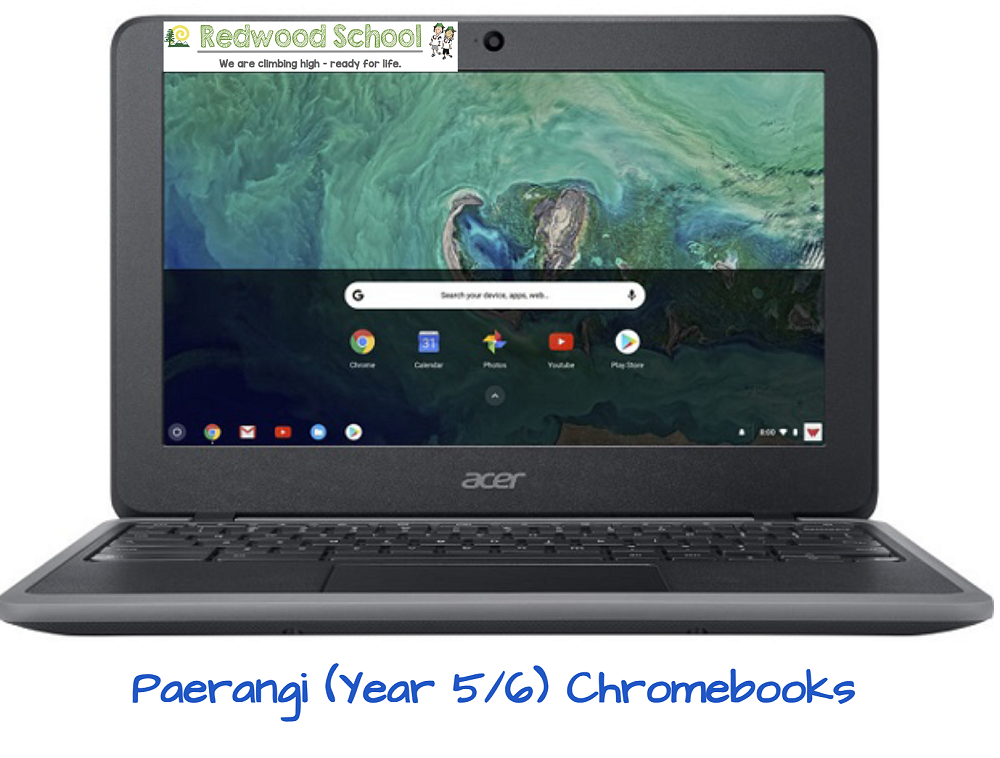
Paerangi (Rooms 14, 15 and 16) Chromebooks
Kia ora whanau. As your child enters the Paerangi Team (Rooms 14, 15 and 16) this year they will be working 1 to 1 with a chromebook for parts of their learning.
If you have decided to purchase your child a chrome book for school this year they will be set up with a school google account at the beginning of Term 1. This will be done by your child’s classroom teacher, or myself, in the first week of school.
Many of you may have also looked into ways you can monitor your child’s use of their chromebook at home. Family Link is a way you can do this, please see the following link for more information on Family Link https://families.google/familylink/
One way to help with the setup of your child’s school account is to install Family Link after their school account has been set up. When Family Link is installed beforehand the staff are unable to add your child’s school account to their chromebook without getting a code from you first. This code is only active for 30 minutes after creation which means you will need to come into school when your child’s account is set up, or be contactable by phone when you create the code.
During the first week of school your child will also bring home a ICT user agreement to discuss with you and sign. More information will be provided about this when the school year begins.
Thank you
Kirsty Fletcher