
App | Redwood Primary School App
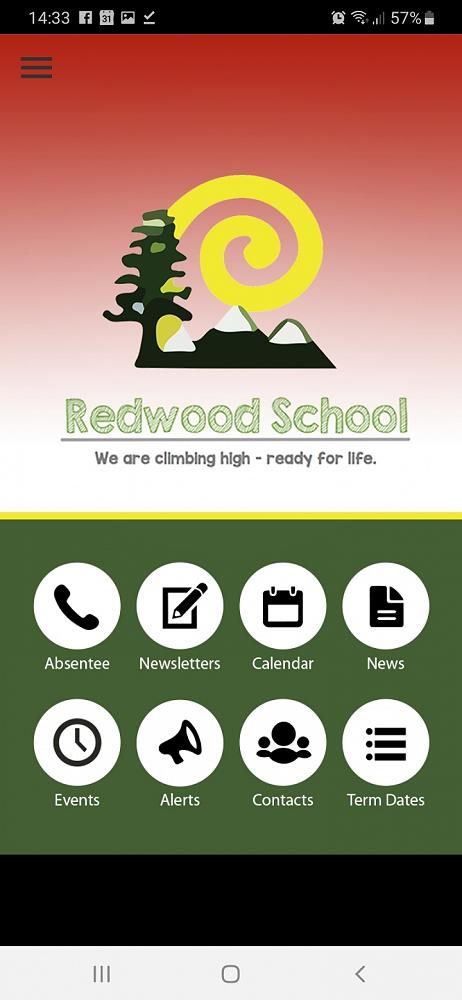
We have a mobile app for important school messages. This is our primary way to alert parents of important school information and for parents to notify the school if their child will be absent due to illness or an appointment.
In addition, parents and whanau can use our school app as a one stop shop to:
Access links, calendars and term dates
Read our latest newsletter
Receive alerts and updates
How do I access the school app?
Simply follow this link and you will be redirected to your app store for a free download:
http://redwoodschool.apps.school.nz/share/
Open the app and select add school from the main menu.
Search Redwood School in the Search area.
Enter the password (first time only) "redwood2026"
You will need to update these at the beginning of each year to ensure that you are receiving the alerts relevant to your child’s current class placement.
Familiarise yourself with the layout of the app by navigating through the buttons and content.
We hope you enjoy using the App.