
BYOD 2021
A few people are already beginning to think about devices for the future. As a school, we still strongly encourage all students Year 6 and above to bring their own device to school. Here are a few guidelines for choosing an appropriate device.
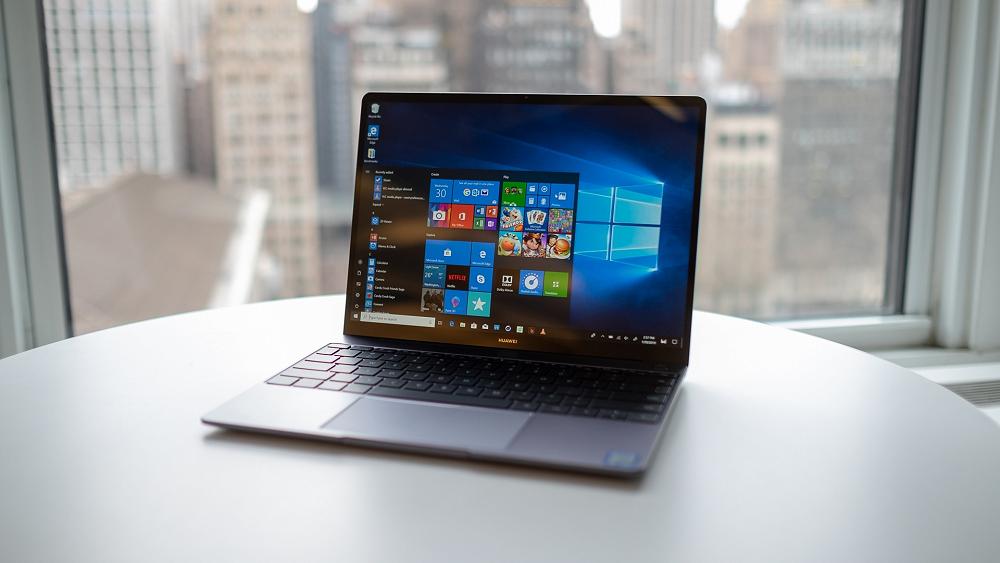
While most devices can do most things, there are definitely some that will do things easier than others. At present, Year 7/8 are beginning to use a lot more microsoft tools within their learning. This means that windows laptops are definitely preferred.
Chromebooks can do most things using Office 365 and other web-based apps. However, they are limited in some areas.
Onenote is an amazing resource that we are just beginning to utilise as a school. Onenote can be used on any device but it "grows arms and legs" when you have a touch screen device with a stylus.
Minimum specs:
- All day battery life
- Keyboard (ipads and other tablets need a keyboard to be used in class)
- 4GB RAM
Recommended (we appreciate that sometimes cost may not mean all of these features can be provided):
- Windows Operating System (note Windows "S" is not suitable - but devices that come preloaded with "S Mode" can usually be upgraded to fully functioning Windows OS for free)
- Touch Screen with Stylus / Pen
- Insurance (many companies offer BYOD insurance that covers accidental breakage)
We do not mandate a supplier. Look out for good specials. PB Tech, Noel Leeming and Harvey Norman all have great sales from time to time.
If you have any questions or concerns please don't hesitate to ask me (ben@sjr.nz)