
How to access HERO
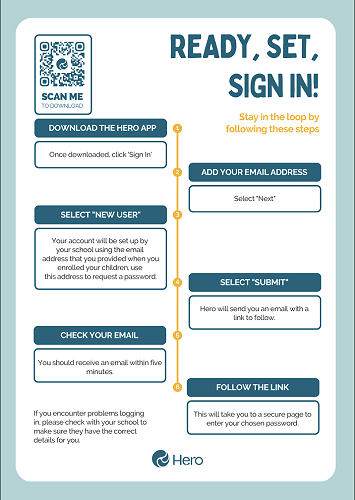
Ready, Set, Sign In! Hero's sign in flow is safe and secure, with access controlled by the school. If you're a caregiver at a Hero school, stay in the learning loop by following the steps below.
1. Go to the Hero App
Select the relevant link below to download the Hero App, or click to log in via a browser.
2. Add your email address
Then select "Next."
3. Select "New User"
Your account will be set up by your school using the email address that you provided when you enrolled your children, use this address to request a password.
4. Select "Submit"
Hero will send you an email with a link to follow.
5. Check your email
You should receive an email within five minutes.
6. Follow the link
This will take you to a secure page to enter your chosen password.
Once you have logged in, you can update your password at any time.
Forgotten your password? Follow the same flow, except select "Forgot Password" at step 3.
If you encounter problems logging in, please check with your school to make sure they have the correct details for you.
Gallery