

LUNCHONLINE - SUBWAY AND SUSHI FACTORY AVAILABLE 2025
Have a break from making school lunches. Lunchonline is available at Te Kura o Huriawa Thorrington on Tuesday, Wednesday and Thursday. Orders cut off at 8.30am.
Subway is available on Tuesday and Wednesday
Sushi Factory on Thursdays.
Lunch online is a great alternative for families with so many delicious and healthy options available, we know the kids will love it!
If you haven’t tried Lunch online yet, it’s simple; all you need to do is register at www.lunchonline.co.nz and follow 7 easy steps to get started.
Because the Thorrington PTA receives a percentage from each order, you are also helping to raise funds that help to support our school.
So, from us at the PTA, thanks for the support!
Lunchonline want to reassure you that our Lunchonline providers are required to work under the Government Food and Drink Service Guidelines to be able to operate. This means all our providers are fully vaccinated and required to wear mask coverings
TO OPEN A LUNCHONLINE ACCOUNT
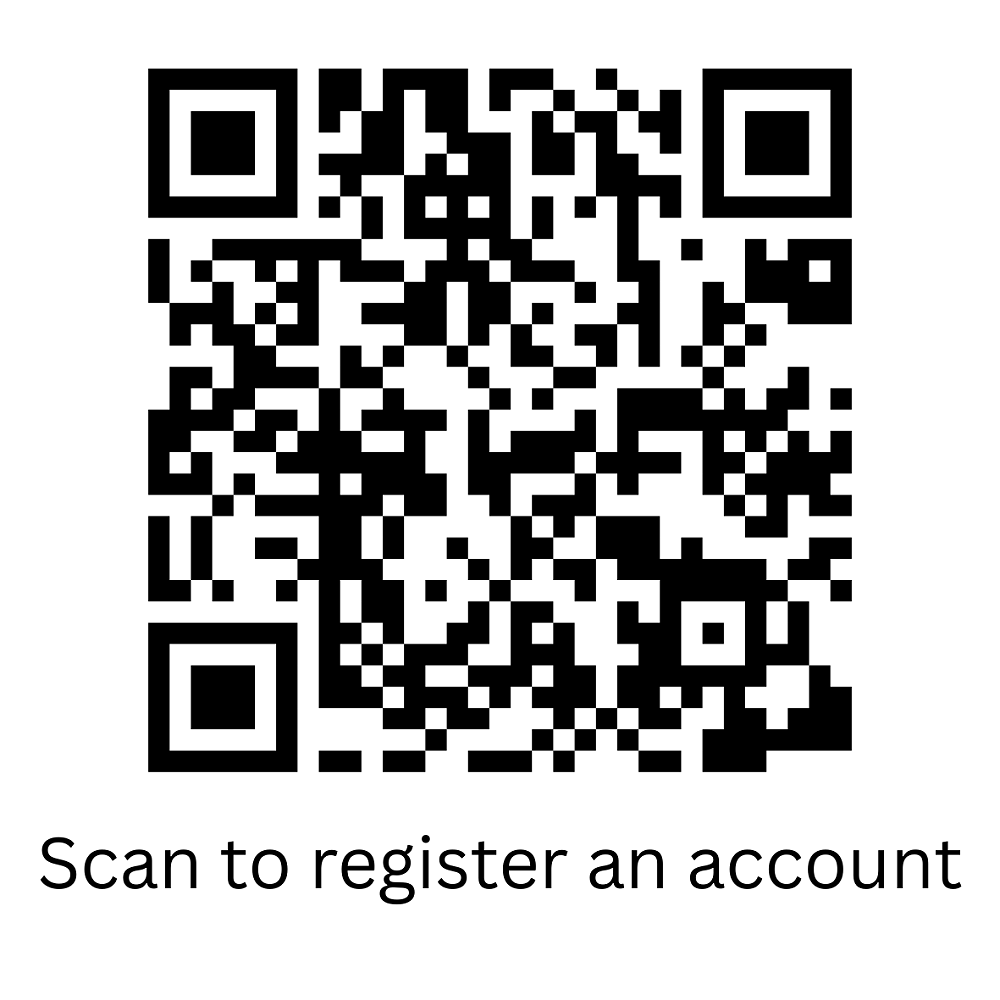
or go to www.lunchonline.co.nz
1. Login/Pace an order
2. Create an account
3. Add member/s include name, school and classroom number
4. Under Lunch Orders select student name - Start order and place your order.
5. You will be directed to the make a payment page.
6. A pop up will confirm "your order has been successful' or check 'Order History' tab.
7. Any queries please call us on 0800 LOL LOL (0800565565)
PROCESS TO CANCEL AN ORDER
Simply log into your account.
The first screen will have your latest orders under - Upcoming orders
Click on the order you would like to cancel and the cancel icon will be in the bottom right hand section.
UPDATING CLASSROOMS
At the beginning of every year students will usually change classrooms and / or schools - please remember to update your child’s details by clicking "members" and changing their classroom name and school (otherwise their lunches will end up in the wrong location).
If the child no longer attends a school with Lunchonline then you can make the child "inactive" by unticking the box next to their name.
LUNCHONLINE LUNCH DONATIONS TO SCHOOLS
Lunchonline are thrilled to announce that we are now facilitating donations to schools to help with lunches.
When a Lunchonline account is closed the account owner can opt to donate the remaining funds to help provide lunches to students.
Through these donations we successfully donated to a very thankful school last year and hope to complete more this year. We are currently identifying schools that have the need and capacity to enable this.
Please contact us on info@lunchonline.co.nz if you would like more information.
TOP TIPS WHEN USING THE LUNCHONLINE WEBSITE
Always remember to press “Submit” once you have completed your order
“Transactions” will show all your top-ups and purchases
Remember to check the cut off time for your providers. To view cut-off times and menus – go to “Menus” under “Families” on the Home Page
If your child is unwell or can't attend school, log onto Lunchonline, click on to the order for this day-you will see a cancel button. This must be done before the providers cut off time for ordering (most providers are 9am on the day of delivery, but some vary - check with your school).
MISSING LUNCH PROCEDURE
Normal procedure when there is a problem with lunches is that the child would go to the office as soon as they notice a problem.
If the food item is not located, we ask the office staff to ring the Lunch Provider.
The provider will either refund the family or deliver any missed or incorrect lunches to the school immediately. This way the problem can be fixed immediately.
We appreciate your help in ensuring all children are aware of this process.
We strive to provide exceptional customer service and we are always looking for feedback and ways to improve.
We understand there are many different lunch providing services about these days and our mission is to be the best.
Thanks for your continuing support, we love feeding hungry tummies, so teachers can feed hungry minds.
Kind Regards
Trudi, Susan and Jane
Gallery