
Current Consultations
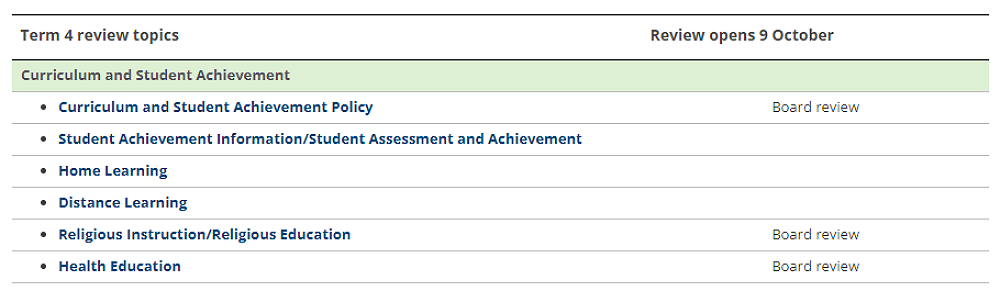
Term 4 reviews are open to board, staff, students, and the school community (parents/caregivers/whānau). Anyone can review any policy/procedure that has a review button. Please have your say.
Instructions for all reviewers:
Visit the website https://darfield.schooldocs.co.nz/1893.htm
Enter the username (darfield) and password (tawera).
Follow the link to the relevant policy as listed.
Curriculum and Student Achievement Policy
Student achievement info/student Assessment and Achievement
Home Learning
Distance Learning
Religious Instruction/Religious Education
Health EducationRead the policy.
Click the Start your review button at the top right-hand corner of the page.
Select the reviewer type.
Enter your name (optional).
Follow the prompts to show that you've read the topic and enter your feedback if you'd like to comment.
Agree to the privacy statement and click “Submit review”.
If you don't have internet access, school office staff can provide you with printed copies of the policy and a Policy Review Form.