
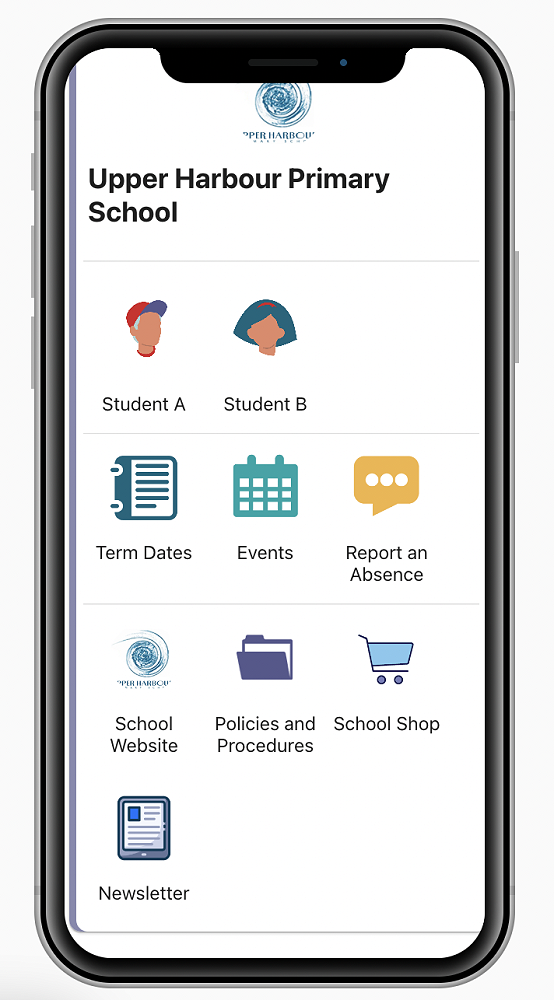
Photo by Upper Harbour Primary School
Hero | Getting Started
How do I get started?
To begin your Hero journey with us, please download the Hero by LINC-ED app from the app store or alternatively open your browser and enter go.linc-ed.com and select ‘new user’.
Logging in:
To login, you will need to enter the email address you used when enrolling your child at UHPS.
Need Extra Help?
Note: use the keywords Hero LINC-ED when searching for the app. For further information please visit: https://www.linc-ed.com/parents/
If you are having challenges logging into the App we may need to update your contact details. Please email office@upperharbour.school.nz.