
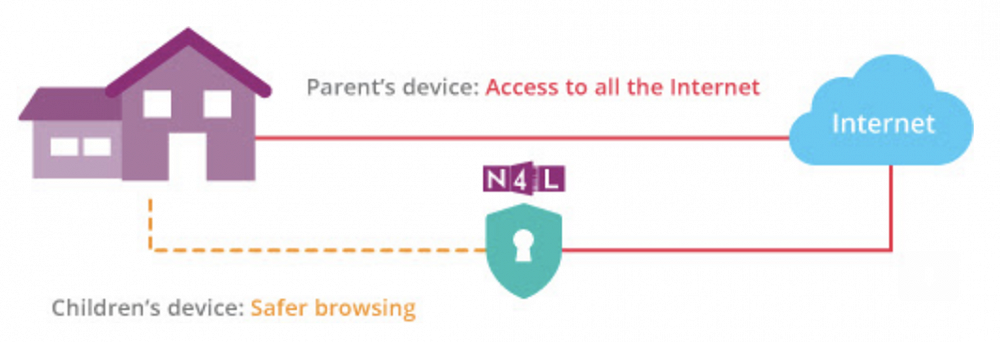
Switch on Safety - N4L kid safe internet for your home
https://switchonsafety.co.nz/
N4L is New Zealand's Ministry of Education internet filter used in nearly every school across New Zealand.
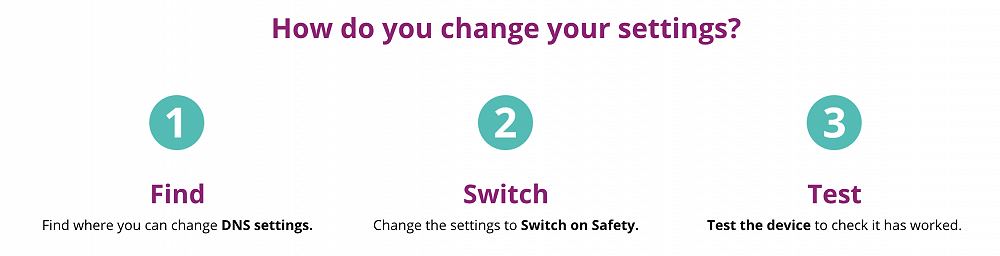
When children learn from home, it’s important to make sure they stay safe online. Here’s a simple, FREE way to block the worst of the web. To Switch on Safety, you need to change the ‘DNS’ setting on your child’s device. Simple instructions on how to do this are outlined below. Just click on the type of device your child uses below. To find out what’s blocked, read here.
Safety can’t be provided by technology alone – it requires a holistic approach. For tips and advice to support online safety conversations with your whānau check out Netsafe.
Go to https://switchonsafety.co.nz/ for the following information.
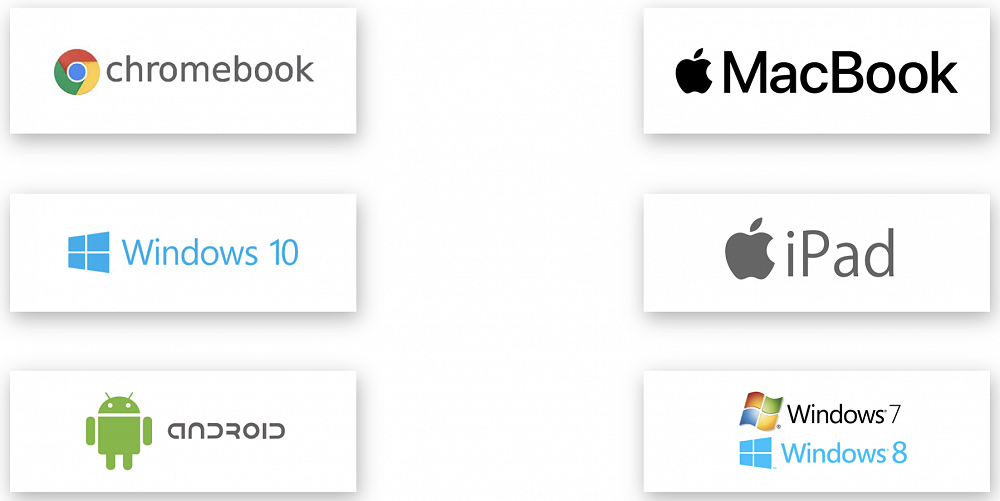
For ease of access, the pdf sheets are downloaded and attached in this article. There is a separate sheet for the different operating systems as below:
As always, feel free to also email our support email for any help: