
Bring Your Own Chromebook
We are a Bring Your Own Chromebook (BYOC) school for our Year 5 - 8 learners. This means that learners in the senior school use Chromebooks to support their learning programmes.
How do I purchase a Chromebook?
West Rolleston Primary Board of Trustees has partnered with Cyclone to offer a $100 subsidy if you purchase through Cyclone. You can view prices and order devices at this link - Cyclone You will need a code to obtain your discount, please contact the Office 03 5950952.
When you go to the Cyclone BYOD page, choose West Rolleston Primary school and you can simply choose which Chromebook you would like and pay online.
You are welcome to purchase your device from any retailer, but please note that we only allow Chromebooks as part of the learning programmes. Other devices are not compatible with our device management systems, so if you choose to purchase your device elsewhere, please ensure that it meets our device specifications first to avoid disappointment.
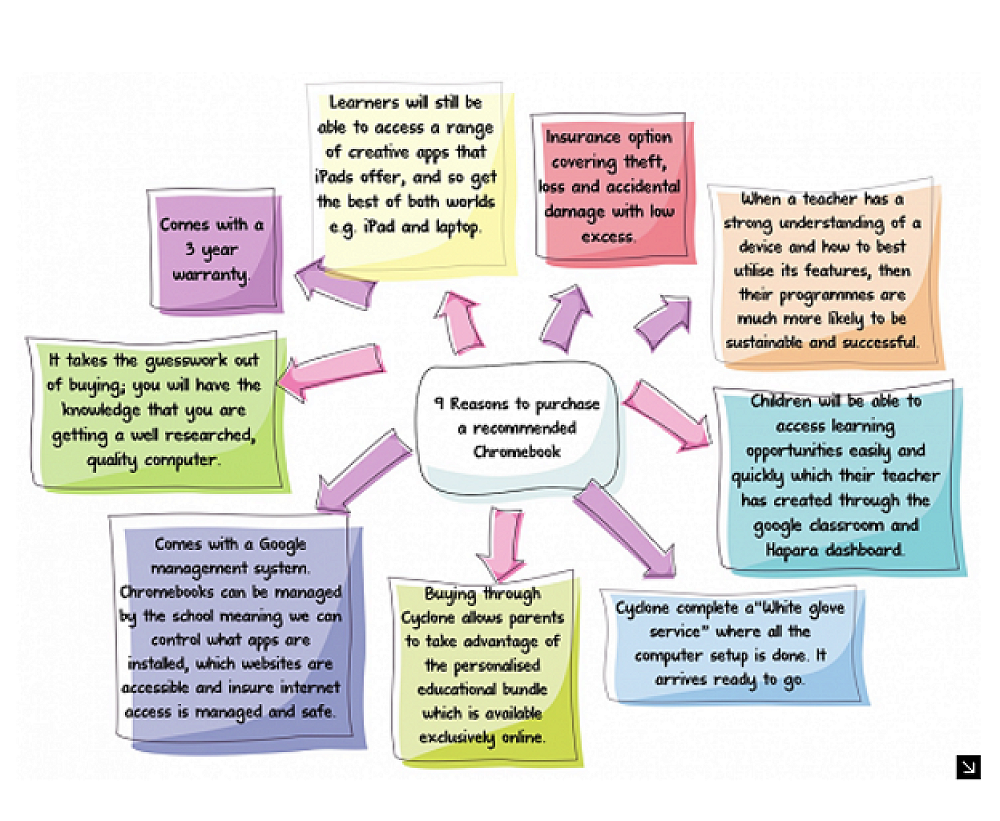
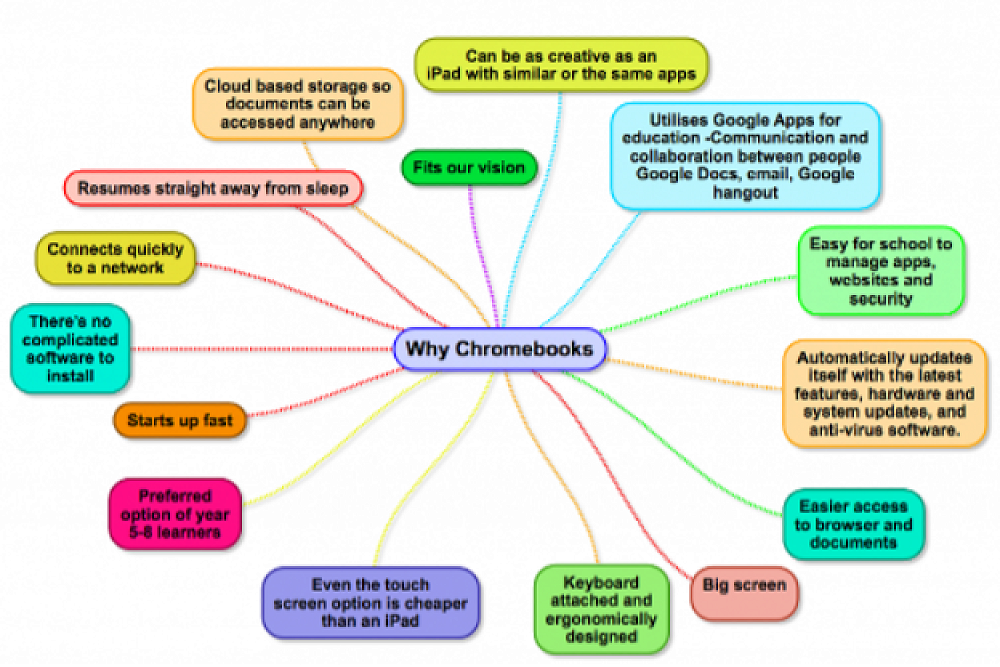
9 Reasons to purchase a recommended Chromebook?
Below are the latest Chromebooks Cyclone has on offer. Please note that both work perfectly fine with the studio programme regardless of features and price.
Lenovo Chromebook 100e G4 11.6" Intel N100 4GB 32GB ChromeOS 1yr
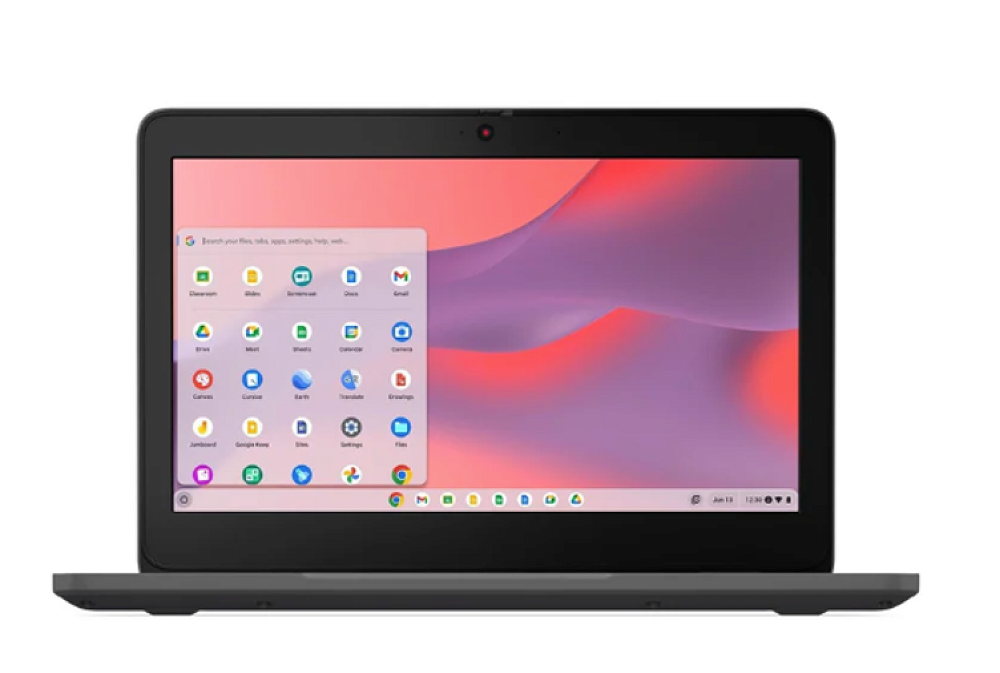 | 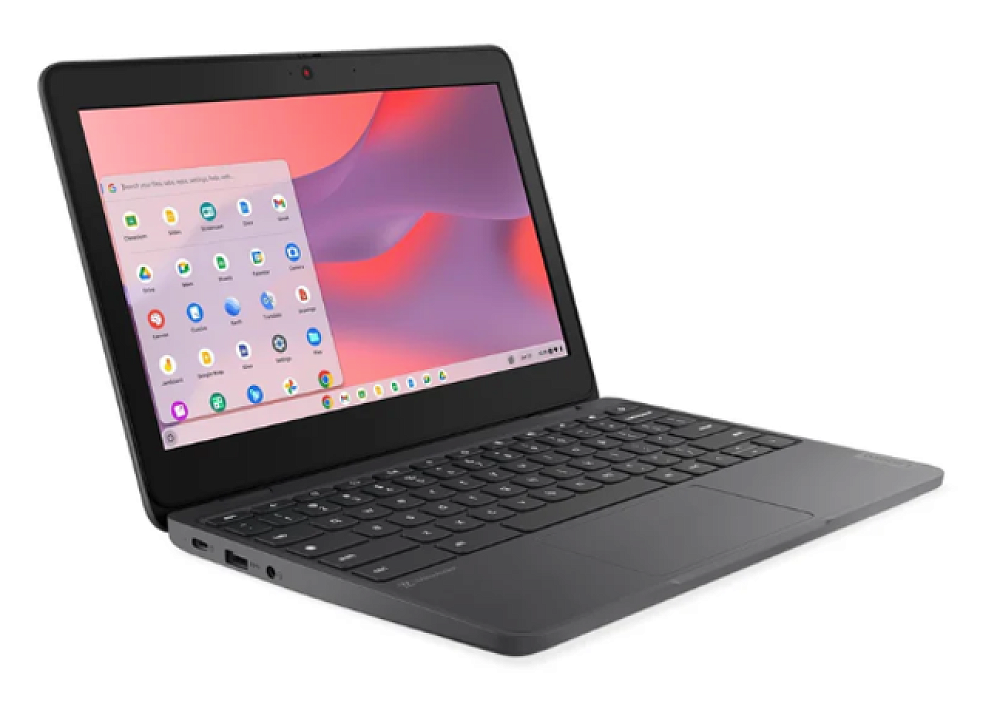 |
This 11.6" Chromebook is purpose-built for students, combining dependable performance with rugged durability. Powered by an Intel® N100 processor and 4GB of LPDDR5 memory, it handles web-based learning, apps, and cloud-driven tasks smoothly. Designed for the rigours of classroom use, it features reinforced rubber bumpers and a spill-resistant keyboard for extra protection. Weighing just 1.23kg, with a 47Wh battery and fast Wi-Fi 6E connectivity, it’s ideal for learning anywhere, whether in class or at home. This 11.6" Chromebook is purpose-built for students, combining dependable performance with rugged durability. Powered by an Intel® N100 processor and 4GB of LPDDR5 memory, it handles web-based learning, apps, and cloud-driven tasks smoothly. Designed for the rigours of classroom use, it features reinforced rubber bumpers and a spill-resistant keyboard for extra protection. Weighing just 1.23kg, with a 47Wh battery and fast Wi-Fi 6E connectivity, it’s ideal for learning anywhere, whether in class or at home.
Key Features
Performance: Intel® N100 processor with 4GB LPDDR5 memory for reliable, efficient multitasking.
Display: 11.6" HD screen with durable, scratch-resistant glass designed for classroom use
Durability: MIL-STD-810H tested with reinforced edges and spill-resistant keyboard to withstand classroom wear and tear.
Connectivity: Wi-Fi 6E and Bluetooth 5.3 for stable, fast connections to online learning tools and accessories.
Versatile Ports: USB-A, USB-C with power delivery and DisplayPort, HDMI, and a 3.5mm combo jack for flexible device pairing.
Privacy: Built-in 720p HD webcam with privacy shutter for secure video calls
Lenovo Chromebook 500e G3 Flip 11.6" Touch&Pen Intel N5100 4GB 64GB Dual Camera ChromeOS 1yr
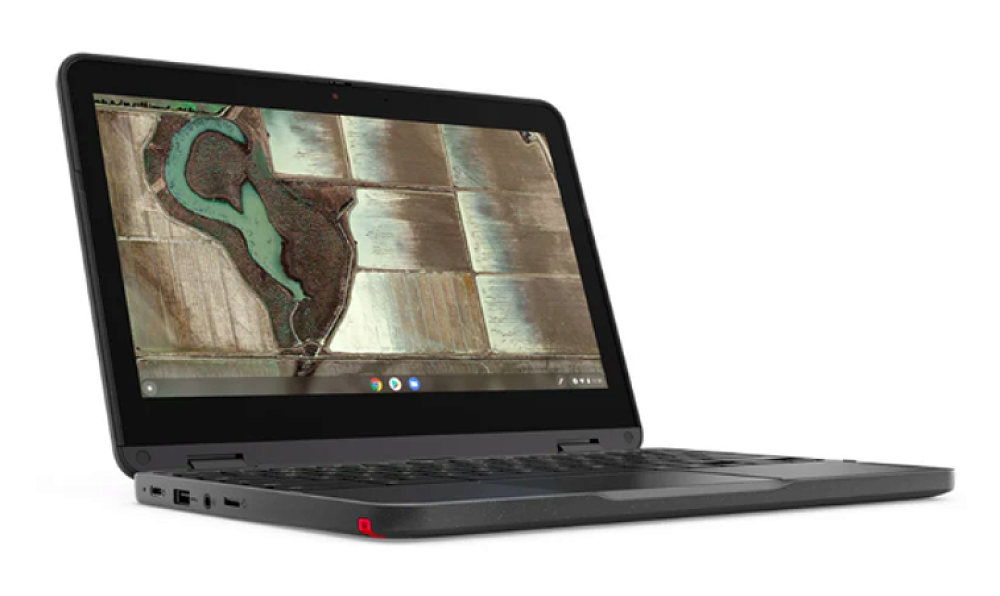 | 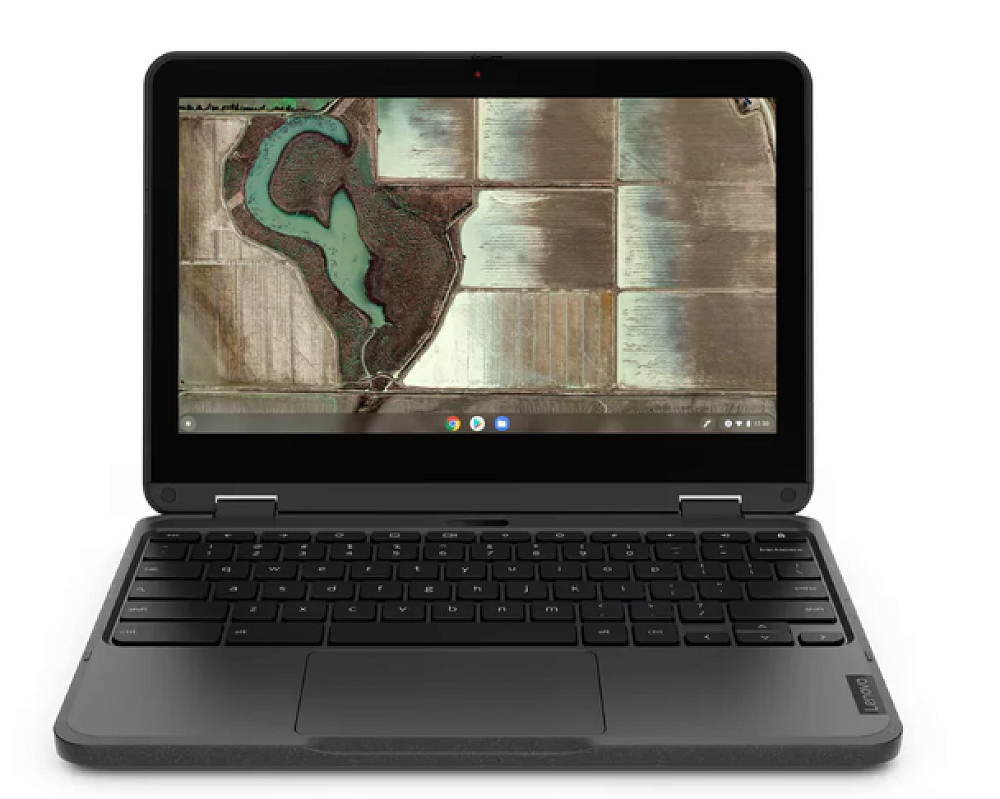 |
The Lenovo 500e Chromebook Gen 3 is a tough, flexible learning companion. Its 11.6″ HD IPS touchscreen works in laptop, tablet, tent and stand modes, with an optional garaged stylus for easy note-taking and creative work. Built to military-grade standards with spill resistance and reinforced components, it’s ready for everyday school use. Fast Wi-Fi 6, Chrome OS, and a privacy shutter keep learning seamless, secure and distraction-free.
Key Features
Versatile learning modes – 360° hinge easily transforms between laptop, tablet, tent, and stand for different classroom activities and study styles.
Built for school life – MIL-SPEC tested with a spill-resistant keyboard and reinforced hinges to withstand daily use by students.
Interactive touchscreen – 11.6″ HD IPS display supports touch, perfect for hands-on learning and creative projects.
Reliable connections – Wi-Fi 6 and ChromeOS provide quick start-up, smooth access to online resources, and automatic updates for hassle-free learning.
All Purchase Includes:
Google for Education Chrome Management License
White Glove Service (ready to go as soon as it arrives)
Carrying Case
Acer 3 year Warranty
There is optional 3-year damage insurance which can be purchased for an additional cost.
Other costs?
From time to time learners may be required to purchase some core apps to use with their learning. Information will come home regarding this when necessary.
Why BYOC at West Rolleston?
As a part of our vision to "grow happy, healthy learners”, we are naturally passionate about future focussed learning. If our kids are going to be successful in what is a rapidly changing world, then their ability to apply meaningful learned knowledge and skills, flexibly and creatively in different situations, will be key. Therefore providing opportunities for our tamariki to develop these capabilities is crucial.
The use of digital technologies is a key part of this. Through the use of digital technologies, the potential of what skills and capabilities our learners acquire is so much greater than without. Over time, our learners will become digitally fluent. A digitally fluent person can decide when to use specific digital technologies to achieve their desired outcome. They can articulate why the tools they are using will provide their desired outcome. They can critique the relevance and accuracy of the information they find, they can recognise and use the most effective methods of reaching their intended audience, they are an adept producer of digital content and they understand and can demonstrate how to use digital technologies responsibly including – digital security (self-protection), copyright.
We are committed to creating a balance for our learners. Having real life hands on experiences is still the key to learning, and we will use digital devices when it can enhance the learning or even better, create opportunities which are not possible without the device.
In years 5-8 we run a BYOD programme where learners are able to bring along their own devices. This is an optional programme and the school will continue to provide Chromebooks for those learners who do not have one at a ratio of 1:3. A pod of iPads will also be provided in each studio.
The WRPS board of trustees will contribute $100 towards the purchase of an approved device from our supplier.
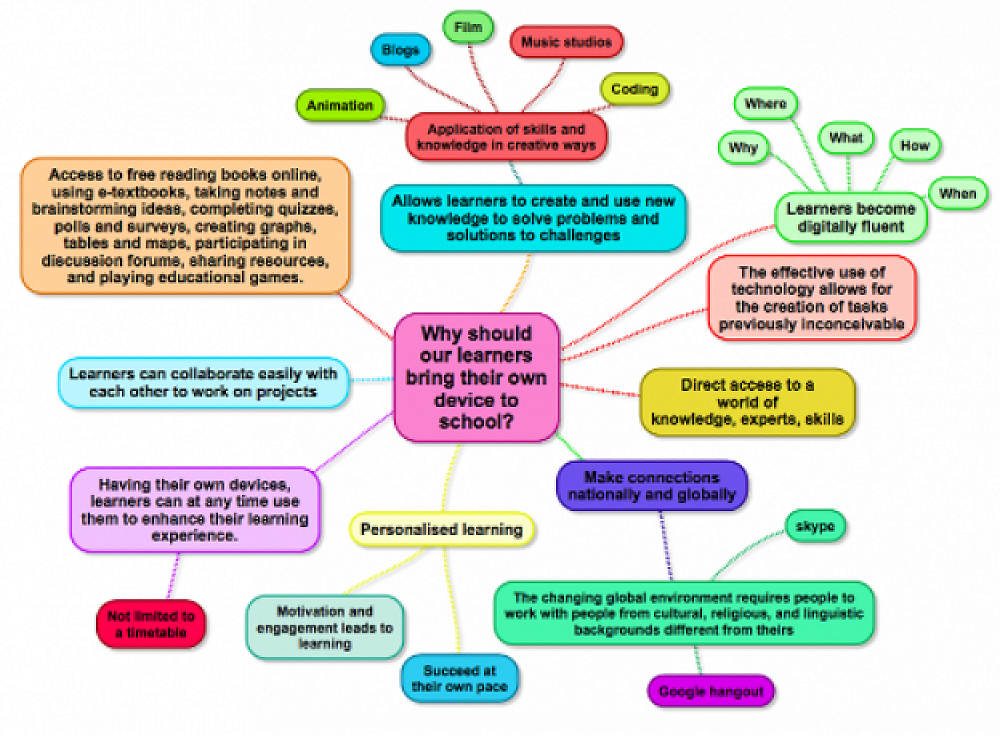
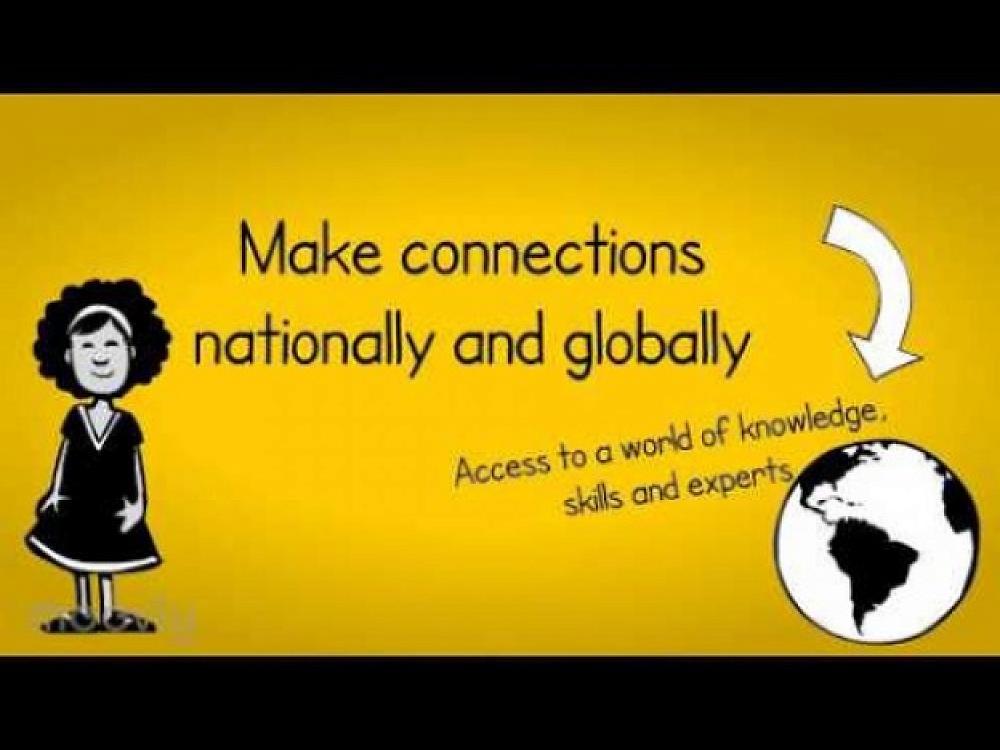
The reasons why are clear
Our next question was what. What devices would best allow for this learning to take place? When setting up the BYOD programme in 2016 we thoroughly researched this question, asked many experts and visited other BYOD schools and concluded that BYOD programmes are most successful when the same devices are used. We have also concluded that Chromebooks are the best fit for our learners.
Why Chromebooks?
If you have any questions please do not hesitate to come and ask us.