

How to select your courses
Course selections are made through the KAMAR Student Portal. Follow the instructions to learn more.
Before you start, have you:
Read through all of the course outlines and looked at the pathways within each course before you make your choices.
Discuss your choices with your parents/caregivers, APL or whanau teacher.
Talk to your teachers who might offer you guidance around these courses.
What courses do you want to know more about? Seek out the Head of Learning Area to find out more.
How to select your courses.
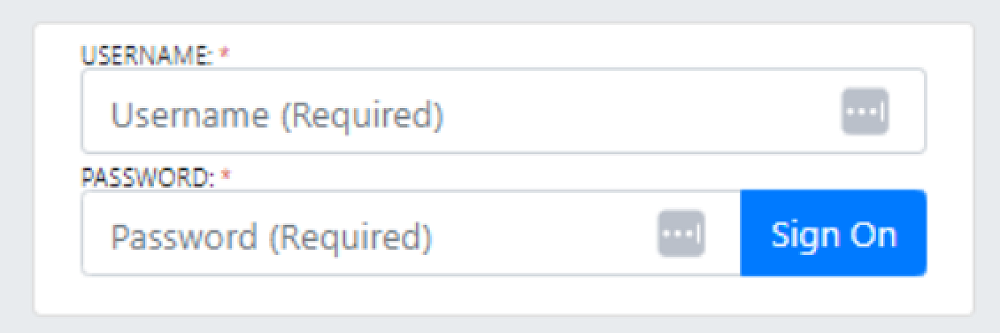
Login to the student portal through the intranet on the school website.
Select ‘School Life’ and then select ‘Course Selection’ from the drop-down menu.
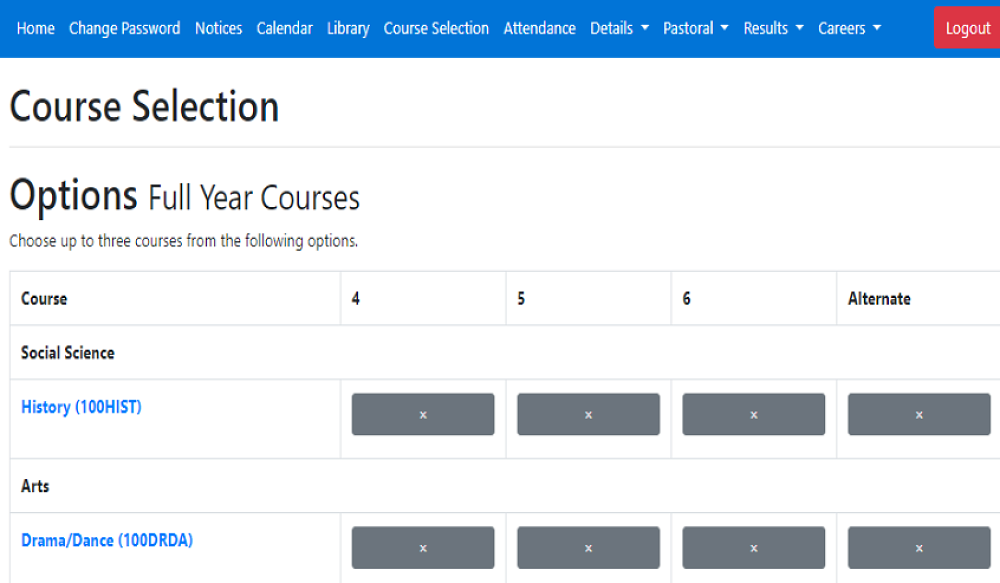
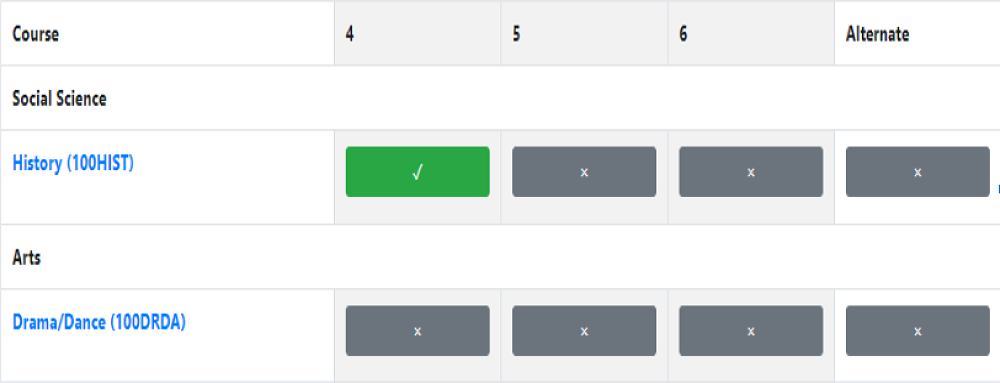
Select one course in each column the buttons will turn green with a tick once selected. Year 11 core courses are preselected in yellow at the bottom of the page.
Select two alternative courses from the columns at the end. These may be used if some of your original courses are not available.
After making your selections click ‘Save’. Once all selections are made click the ‘Confirm selection’ button.
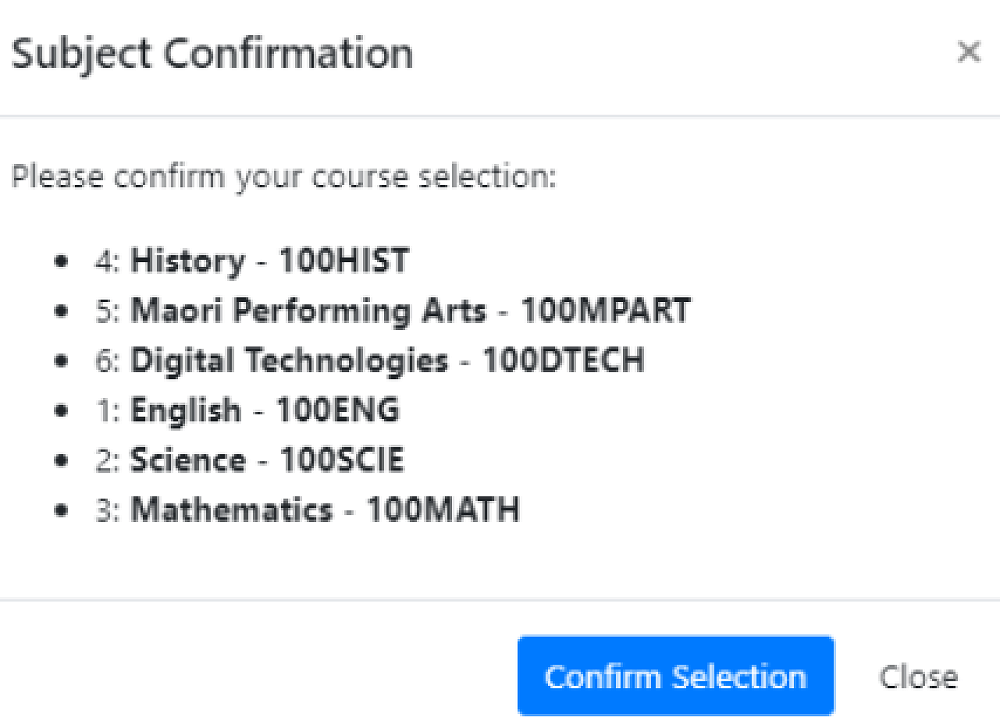
Students can click preview at anytime through the process to see a list of their chosen courses. A summary of the selected courses is shown in the footer at the bottom, next to the preview button.
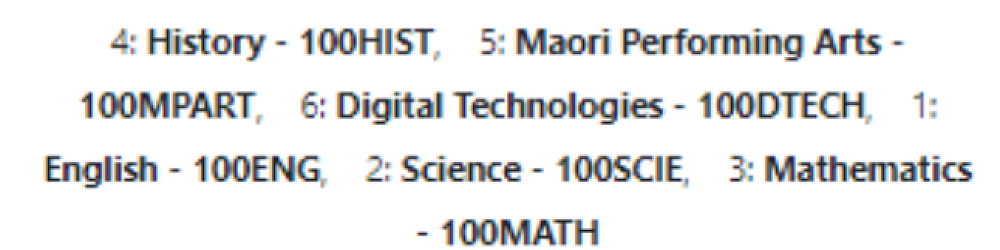
All course selections must be completed in KAMAR by Thursday 9th October 2025
Checklist:
Have you read over the different courses you have available to you?
Have you discussed your preferred choices with your parents/caregivers and APL or Whanau teacher?
Have you selected the remaining courses, so that you have 6 courses selected in total. 5 courses if you are Year 13.