

Hero: Our School App
While updates are emailed out to you from Hero there is more to see when you log on. Or avoid the emails altogether and download the app and you can set notifications to your preferred method.
You'll be able to see their posts from the year (and previous years) which over time will allow you to see how much your child has changed and grown as a learner. The kids love to look at work they have done the year before!
You can also see the goals that have been set for your child and how much progress they have made through the curriculum for the year (via the goal wheels).
This is also the place to go if you need to print off reports from previous years.
We are constantly working on improving Hero to provide you with up to date information on your child and their progress so you will notice changes as the system is further embedded into our school.
How to download the Hero App
The Hero app can be downloaded from your app store or if you prefer you can log in from your desktop/laptop at app.linc-ed.com
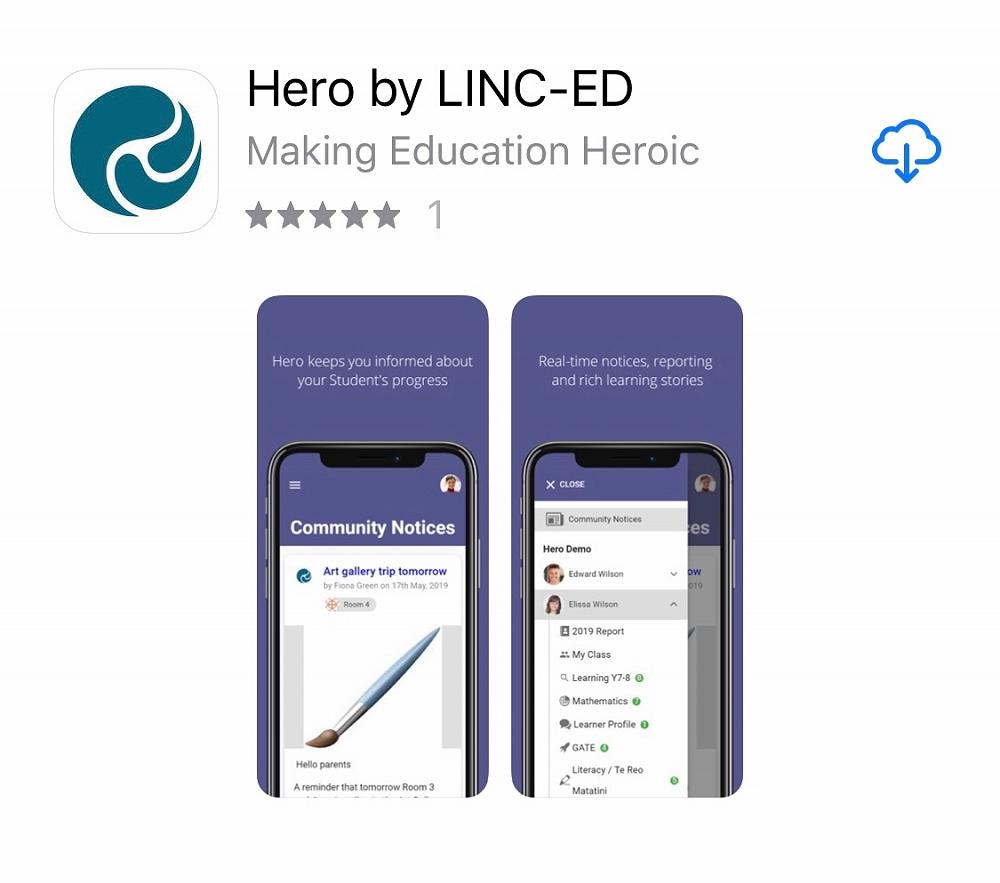
You should already have a log on as this is the system we use to push out newsletters and progress updates to you (if you have forgotten your account details your username is the email address you gave us for contacting you as a school and you can use the Forgot Password button to receive a new one).
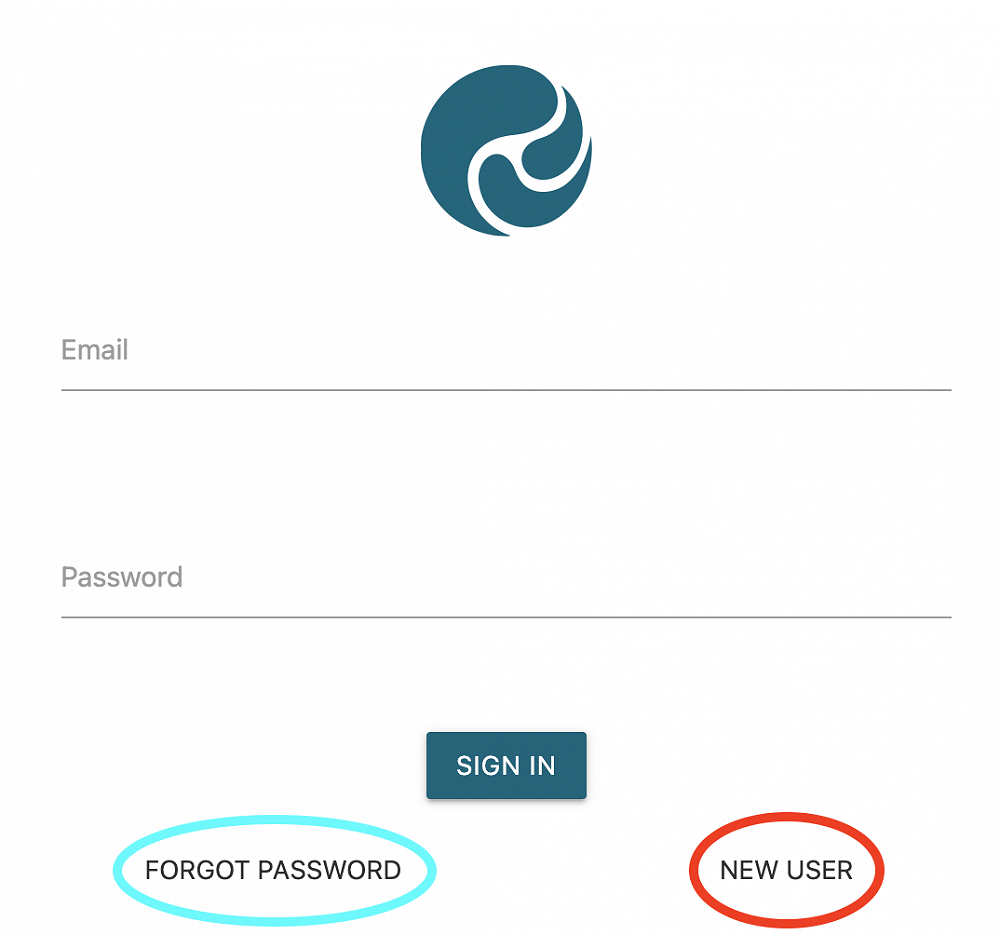
If you are new to Westmere or don't have an account click on the New User button and enter the email address that you registered with the school when you enrolled your child. They will email you with the rest of the details for logging on for your first time. The whole process takes about a minute. If you have more than one child, they will all be linked to the one account.
No Room for Another App
Not to worry if your phone is too full for another app or you want a closer look at the photos - you can access Hero from your computer by going to https://app.linc-ed.com/
Reporting an absence on Hero
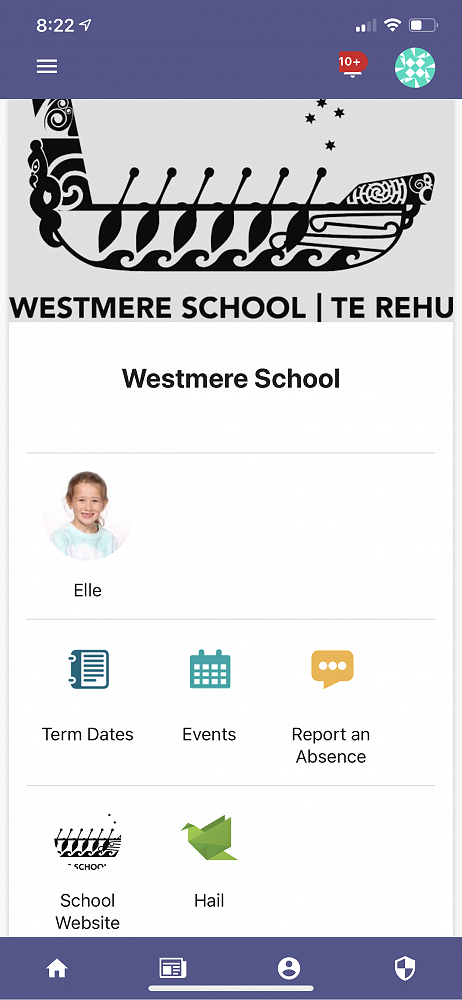
There is a "Report an Absence" button right on the homepage of the app
- Click on the 'Report an Absence' icon
- Select the reason for absence (add in any message if you need to)
- Click 'Send Message' and you're done!
Gallery